Resources

Smartsheet tips, free to download.

Practical guides from our team, plus links to the Smartsheet help pages and tools we recommend.

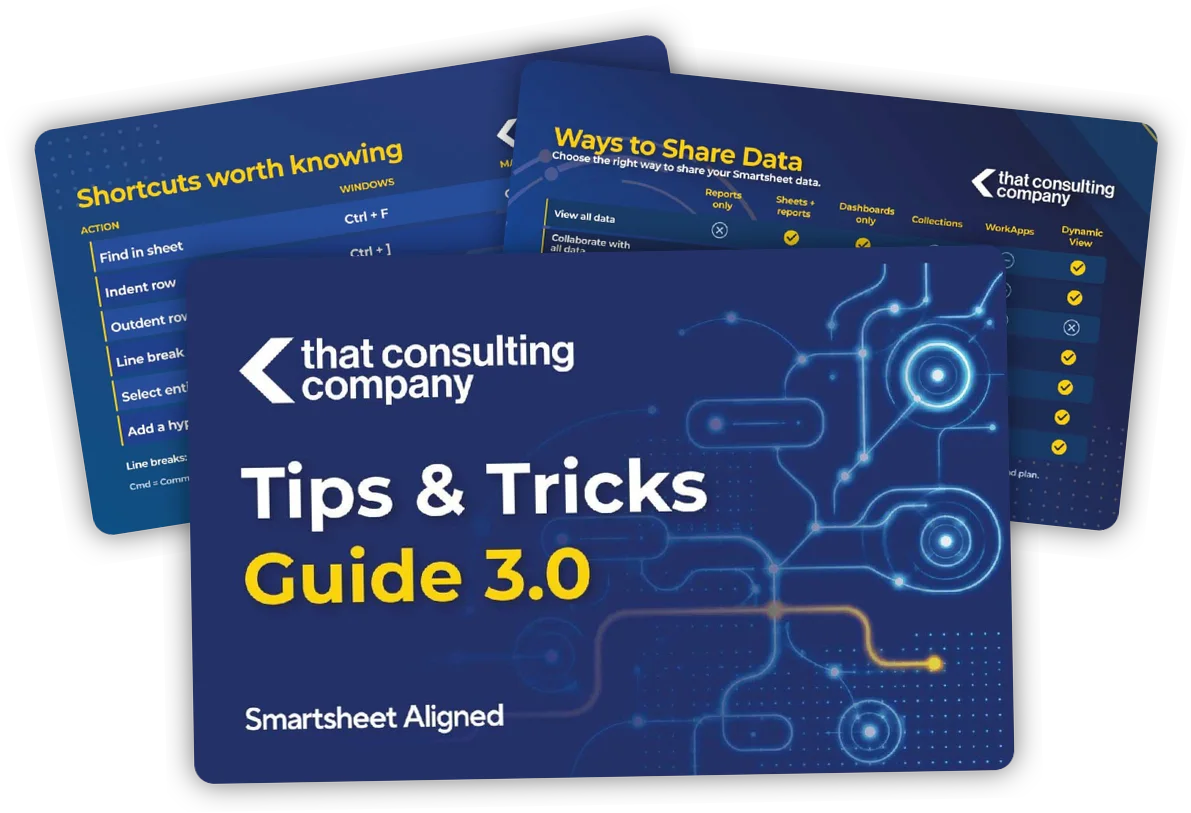
Pages from the Smartsheet Tips and Tricks Guide 3.0

Downloads

Free guides you can keep.

Download, print or share them with your team. No sign-up needed.

Cover of the Smartsheet Tips and Tricks Guide 3.0

NewestPDF guide14 pages2026

Smartsheet Tips & Tricks Guide 3.0

Short, practical tips for getting more out of Smartsheet. Each page covers one topic, and the QR codes link to more detail.

  • New Table View and AI smart columns
  • Keyboard shortcuts and @cell / @row formulas
  • Ways to share data, and what each one allows
  • Linked dropdowns, Resource Management and Scenario Planning
  • Five things not to do in Smartsheet

Past editions

These were published before we became That Consulting Company, so they carry the CrossCountry Consulting and SCS Cloud names. They may include offers and links that are no longer active.

Useful Links

Tools and guides we recommend.

The Smartsheet help pages and tools featured in our guide.

Smartsheet Function List

Every Smartsheet function, with syntax and examples.
Open the function list →

AI Smart Columns

Smartsheet’s guide to summarizing, translating and scoring sentiment in table view.
Read the guide →

Linked Dropdowns

Keep one master list in sync with every dropdown that uses it.
See the steps →

Emojipedia

Find emojis to use in folder names, dropdowns and dashboards.
Visit Emojipedia →

Coolors

Create a consistent color palette for your dashboards and reports.
Visit Coolors →

Color Blindness Simulator

Preview how your dashboards look to people with different types of color vision.
Open the simulator →

SSFeatures

A browser extension that adds time-saving features to Smartsheet. Use code TCC for a discount. We’re an SSFeatures partner.
Visit SSFeatures →

That Doc Generator

Our tool for turning Smartsheet rows into Word, Google Docs or PDF documents. Includes a 5-day free trial.
Visit That Doc Generator →

That Dashboard Tool

Our tool for creating dashboard mockups and headers for Smartsheet.
Visit That Dashboard Tool →

Next Step

Need help putting these tips to work?

Tell us what you’re working on in Smartsheet. We’ll show you where to start.