
Smartsheet Services
Help your team use Smartsheet with confidence.
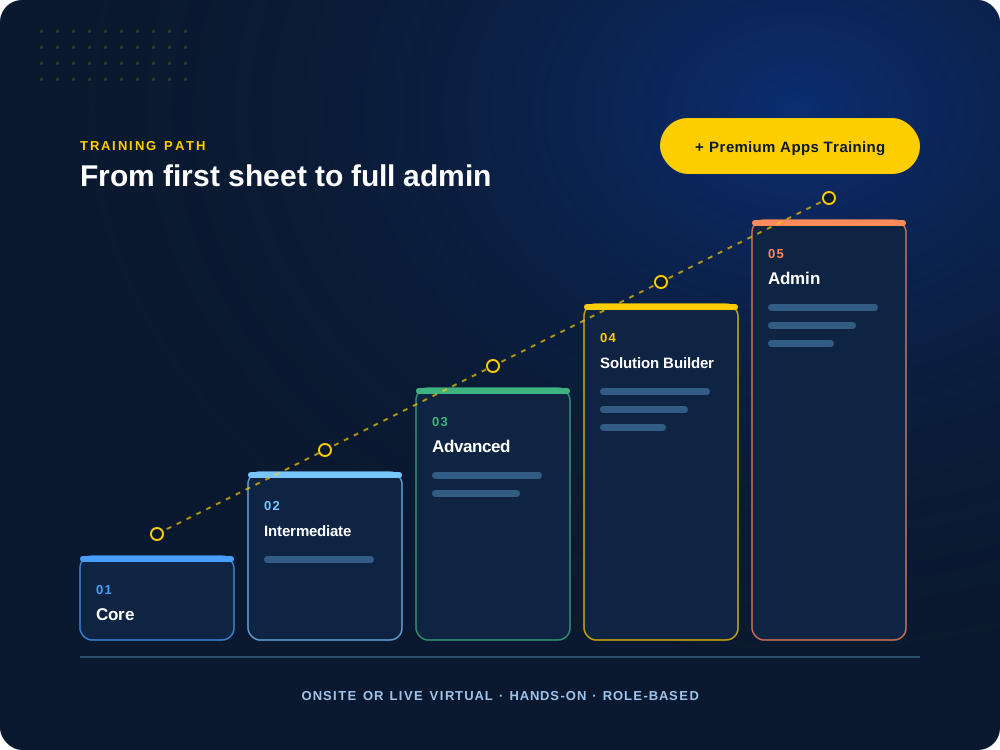
A solution only works if people use it. Our hands-on, role-based training takes your team from first sheet to full admin, onsite or live virtual, built around how you actually work.

Rolling Smartsheet out to a new team?
We’ll match the training to each role, so people learn what they will actually use.
How We Train
Hands-on, role-based and built around your work.
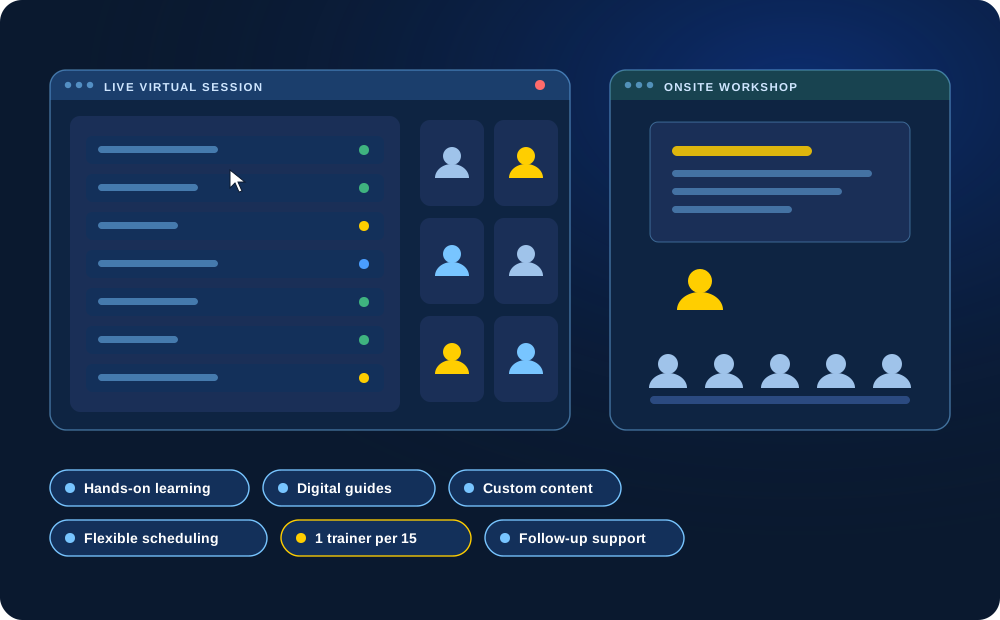
Every session is hands-on. People learn in real sheets, with content customized to your solution, your processes and your data.
Choose onsite or live virtual, as a full day or split into shorter sessions. In person, we keep it to one trainer for every 15 participants. Digital training guides and optional follow-up support are included.
Training Paths
Five levels, from first sheet to full admin.
Each course is typically one day. Combine them into a multi-day program or spread them across the year.
01
Core Training
Smartsheet fundamentals for everyday work
Create and manage sheets, build reports, set up simple dashboards, alerts and reminders, and use starter formulas like SUM, COUNT and IF.
For general users who need Smartsheet for daily tasks.
Sheets
Reports
Dashboards
Alerts
02
Intermediate Training
Work confidently across multiple sheets
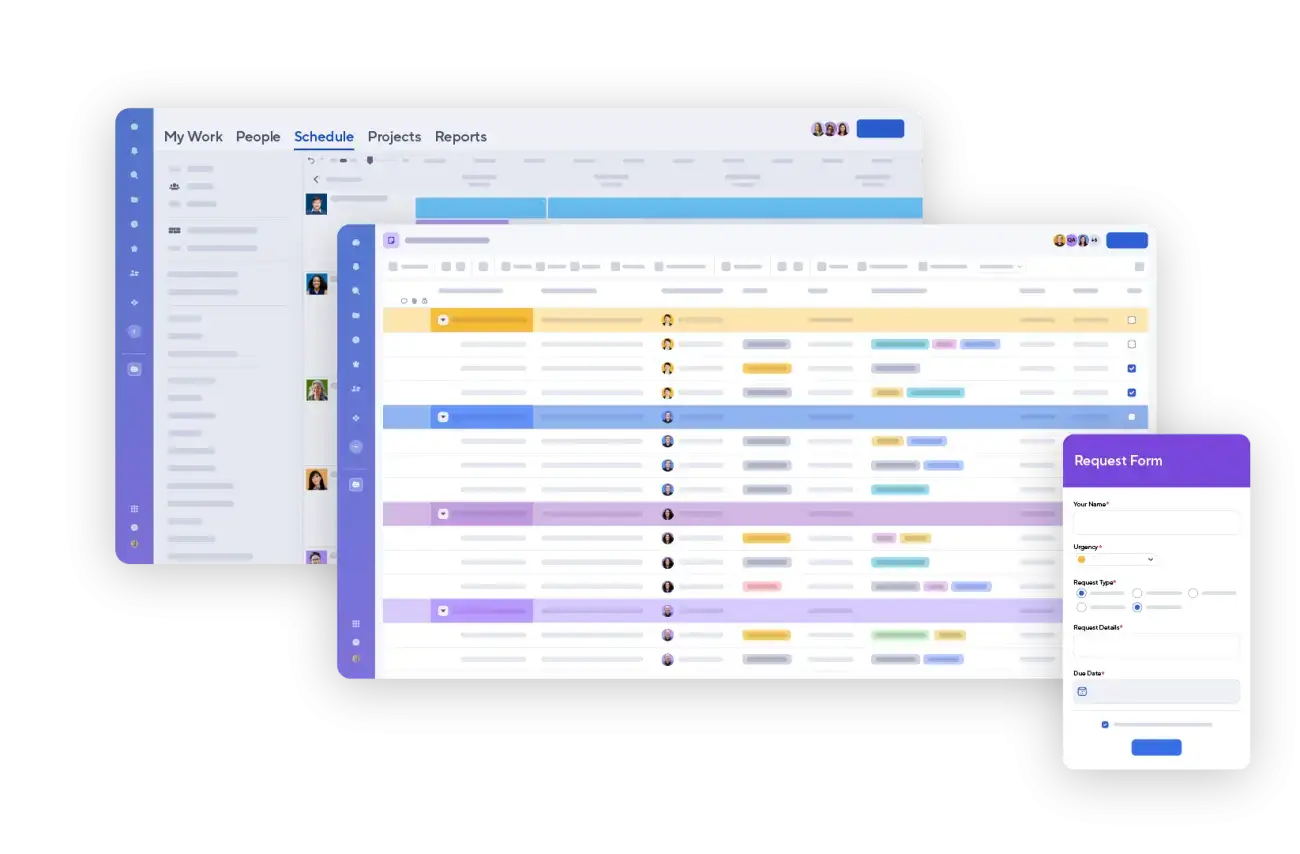
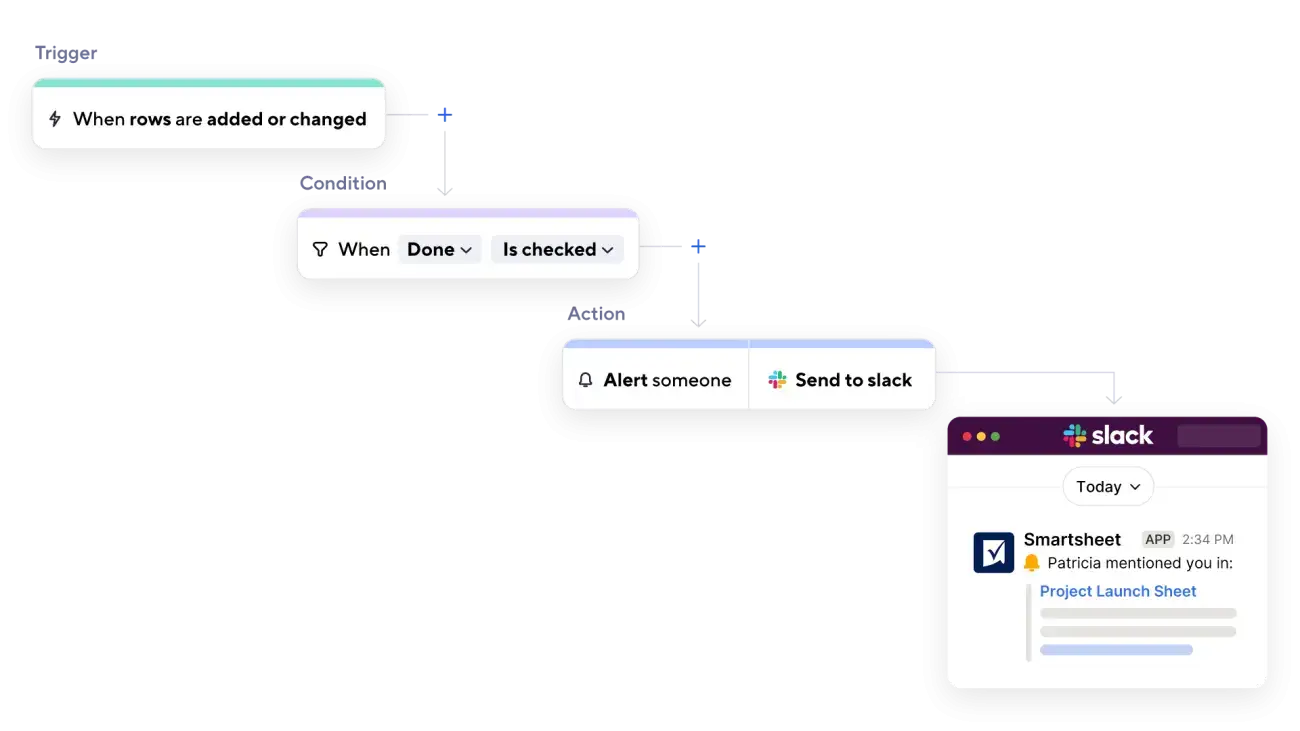
Hierarchies, conditional formatting and data validation; reports with grouping and summaries; dashboards with live data; multi-step automations and approvals; and formulas like VLOOKUP, SUMIFS and COUNTIFS.
For users who manage multiple sheets and dashboards.
Multi-sheet reports
Approvals
SUMIFS
Validation
03
Advanced Training
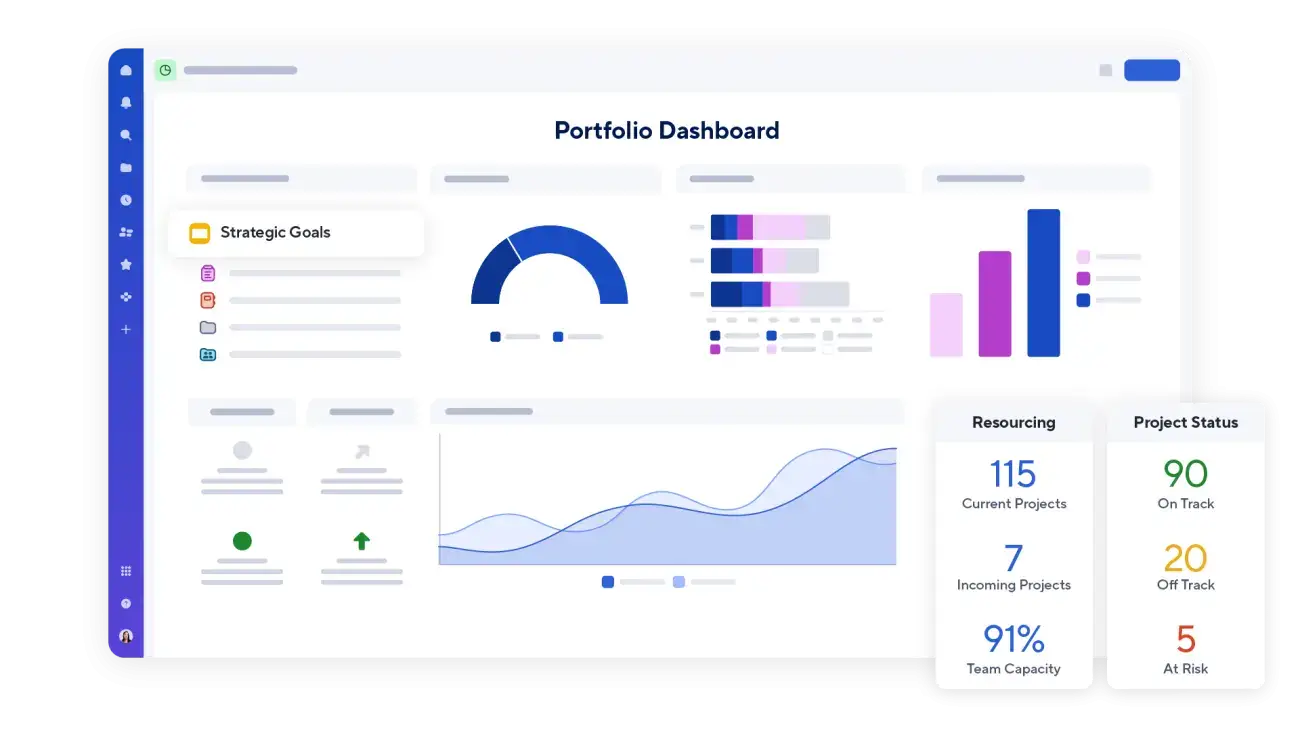
Manage projects and portfolios at scale
Portfolio strategies, nested IFs, INDEX/MATCH and cross-sheet references, WorkApps for role-specific views, and project settings like dependencies, critical path and resource management.
For power users and project managers.
Portfolios
INDEX/MATCH
WorkApps
Critical path
04
Solution Builder Training
Design solutions that grow with you
Plan sheet structures that can grow, naming rules and integrations, build efficient reusable workflows, and design around Smartsheet’s technical limits.
For power users, solution designers and administrators.
Architecture
Limits
Best practices
Reusable
05
Admin Training
Run your Smartsheet account with confidence
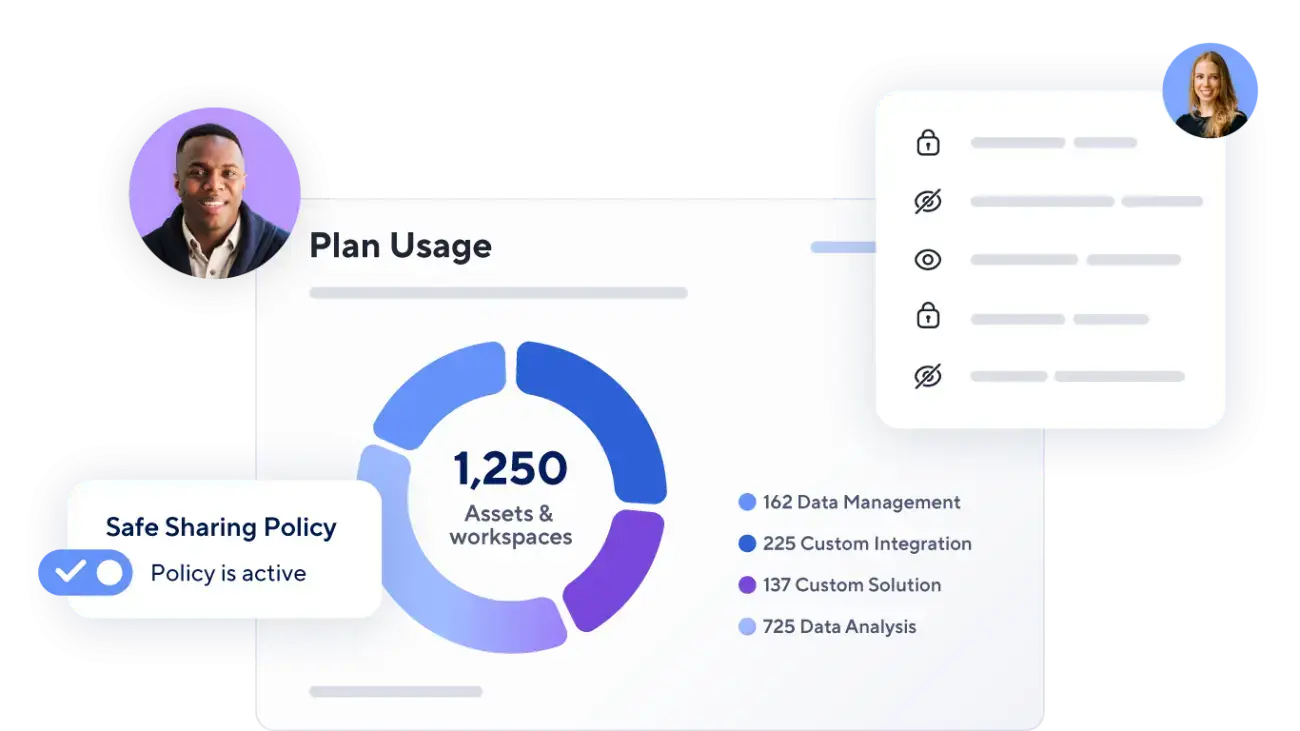
User and group management, security settings, permissions and sharing policies, audit logs and compliance, and global automation settings.
For system administrators.
Users & groups
Governance
Audit logs
Settings
06
Premium Apps Training
Get full value from the add-ons you own
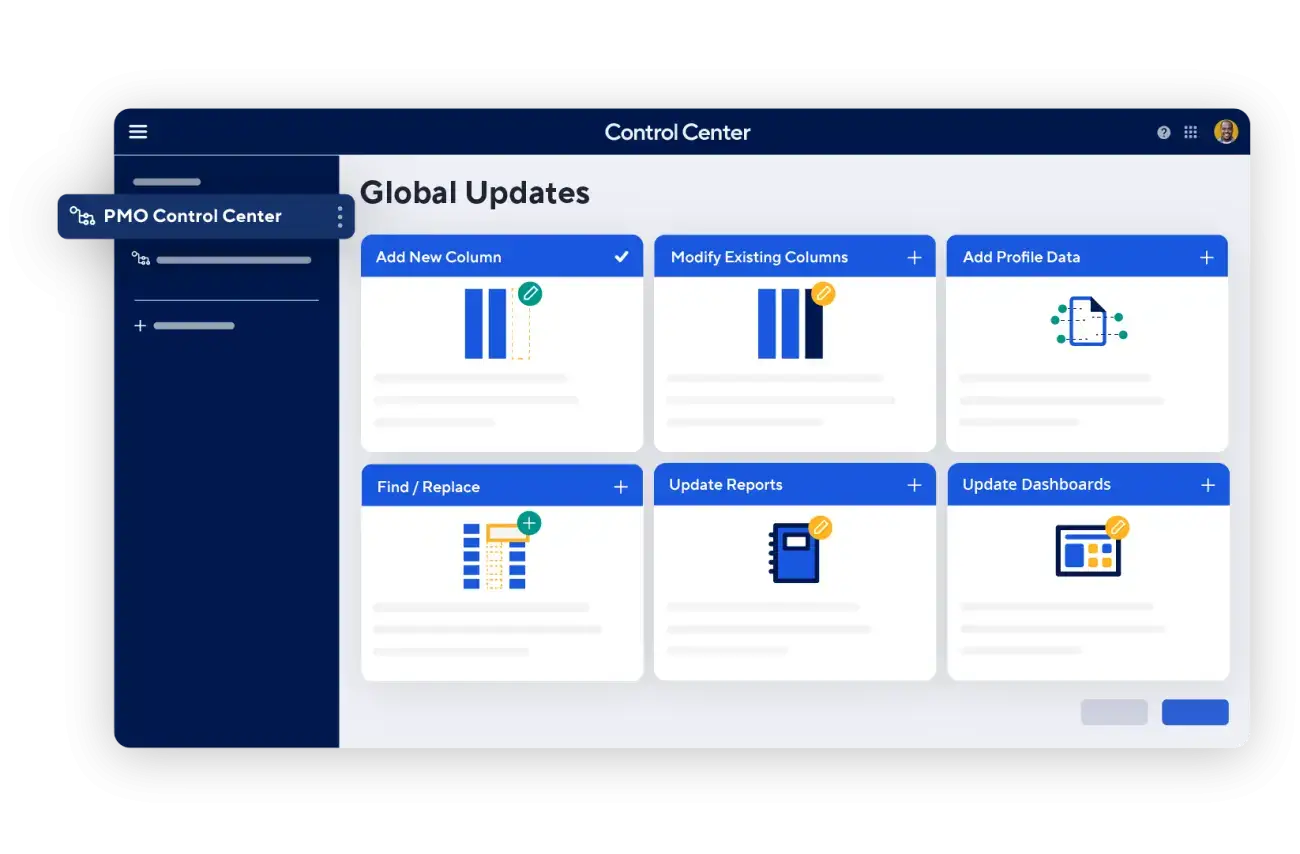
Control Center, Resource Management, Data Mesh, Data Shuttle, Dynamic View, Calendar App, Data Table, Bridge, Brandfolder and Pivot App.
We also offer SharePoint-focused sessions, office hours and fully custom training.
Control Center
Data Shuttle
Dynamic View
Custom
Need a multi-day program or an annual plan?
Combine courses into a multi-day program, or set up quarterly sessions as your team grows.
Training Options
Practical training for every role.
We focus on getting people to use it day to day, not just on features. Training is shaped around your solution and the work each person does.
End Users
How to find, update and act on the work they are responsible for.
Builders
How to create and maintain sheets, reports, dashboards and automations the right way.
Administrators
How to manage users, sharing, standards and the account as a whole.
Leaders
How to use reports and dashboards to see progress and make decisions.
Live Working Sessions
Hands-on sessions where your team works in real sheets with us alongside.
Office Hours
Scheduled time for questions as people start using the solution.
Documentation
Clear guides and reference material your team can return to.
Knowledge Transfer
Handing over what your internal owners need to support the solution themselves.
How Training Is Scoped
Solution training is part of implementation. Broader training can be added.
When we build a solution, training on that solution is part of the work. Your team learns how to use what was built for them, in the context of their own process.
If you need broader Smartsheet training, training for additional teams, or onsite sessions, we can scope that separately around your goals.
Solution-specific training is included as part of implementation.
Broader Smartsheet training can be scoped separately.
Onsite and live virtual training are available and scoped to your needs.
Sessions are organized by role, so each person learns what they will use.
Multi-day programs and annual training plans are available.
How We Work
A clear, collaborative process.
01
Assess
Understand who needs training, what they do and where they struggle.
02
Plan
Build a role-based plan with the right mix of sessions and materials.
03
Train
Deliver live sessions, working sessions and documentation.
04
Reinforce
Help people keep using it with office hours and follow-up.
Related Services
Services that work well together.
Implementation & Solution Design
Design and build Smartsheet solutions tailored to your processes, people and goals.
Managed Services & Support
Get ongoing help, enhancements and advisory support as your needs evolve.
Control Center & Portfolio Management
Standardize projects, automate provisioning and gain portfolio visibility at scale.
Next Step
Build your team’s confidence.
Tell us who needs training and what they are working on. We’ll help you build a plan that fits.