
Licensing & Renewals
Pay for what you use. Buy it through us.
As a Smartsheet partner, we help you choose the right plan, seats and add-ons, review usage before renewal, and handle the purchase. One contact for licenses and the work to set them up.
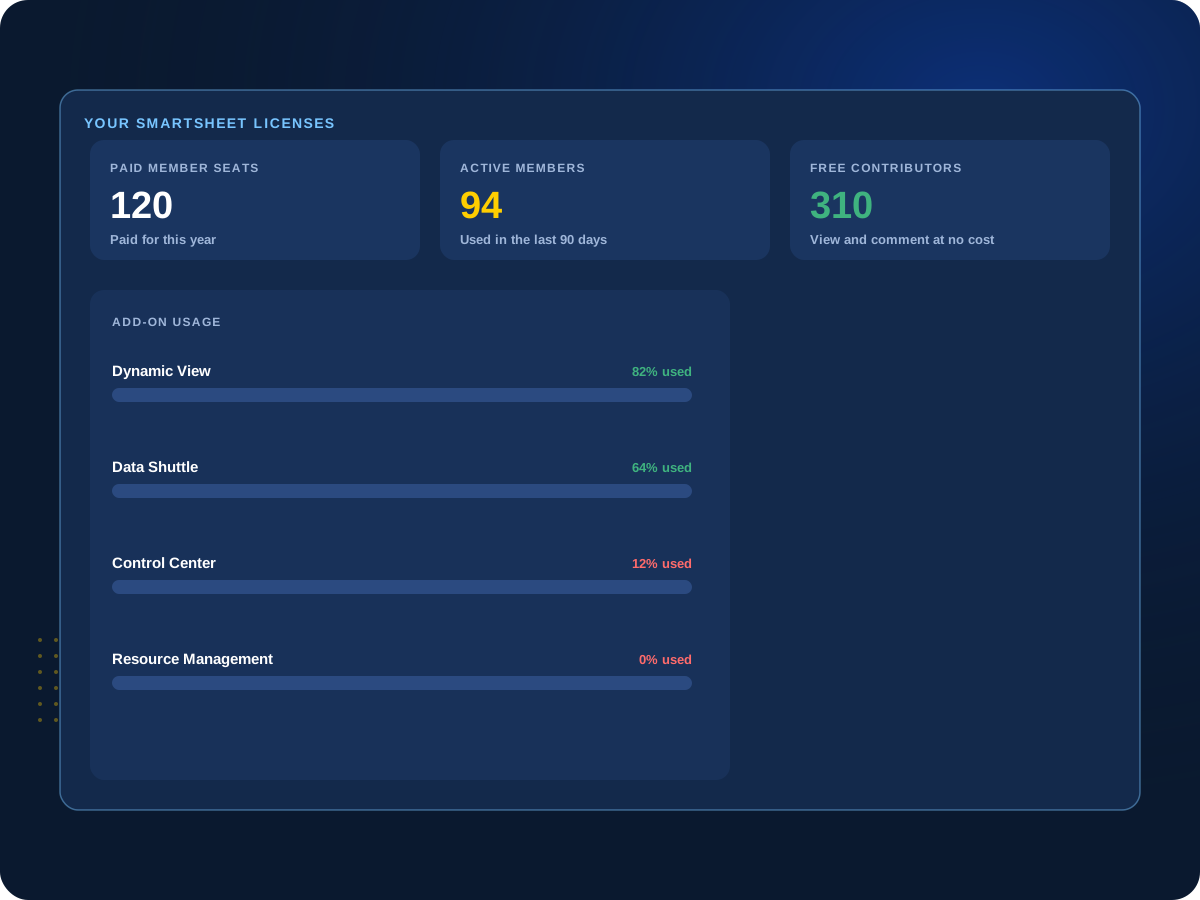

Renewal coming up?
We’ll review who uses Smartsheet and which add-ons get used before you renew.
Why It Matters
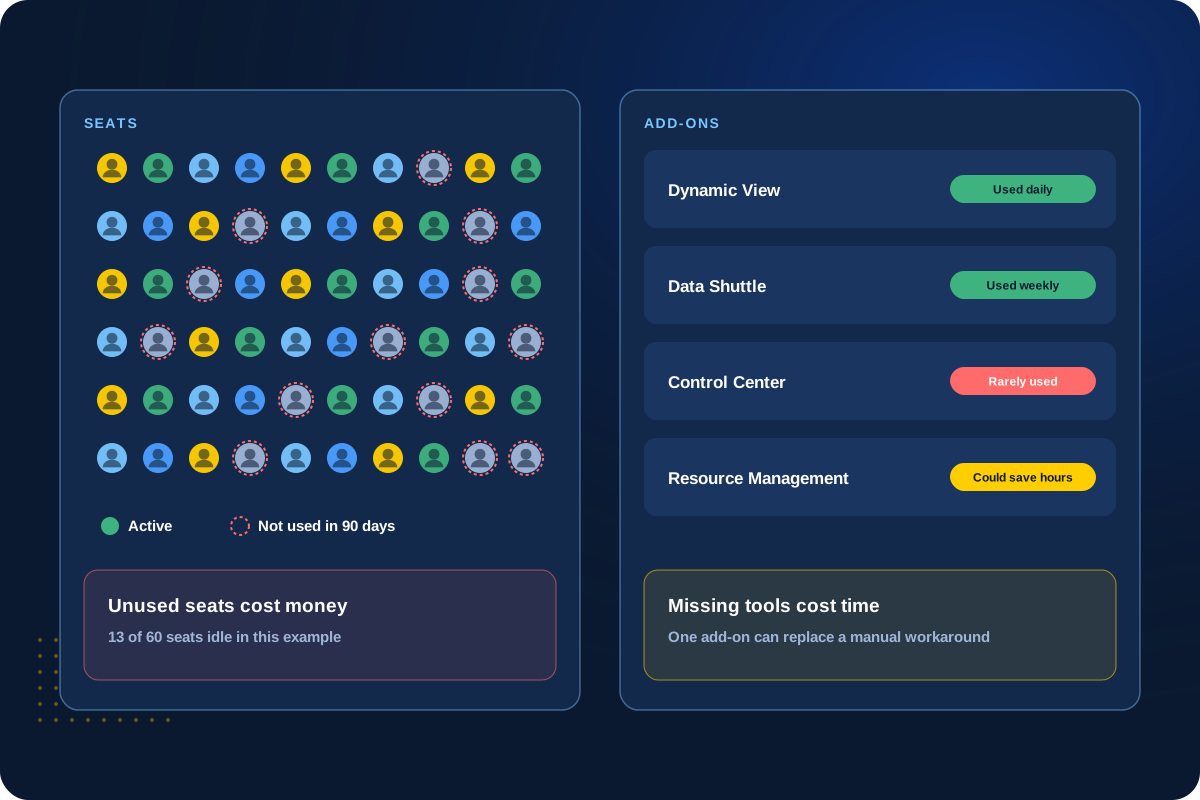
Unused seats cost money. Missing tools cost time.
Teams change over a year. People leave, projects end and add-ons get bought for one need and forgotten. Other teams work around a gap that one add-on would fix.
We look at how Smartsheet is actually used, then recommend what to keep, add or drop. Because we’re a Smartsheet partner, you can buy through us and we set it up.
How We Help
Licensing help from first purchase to renewal.
Straight recommendations based on how your team works.
01
New Purchases
The right plan from day one
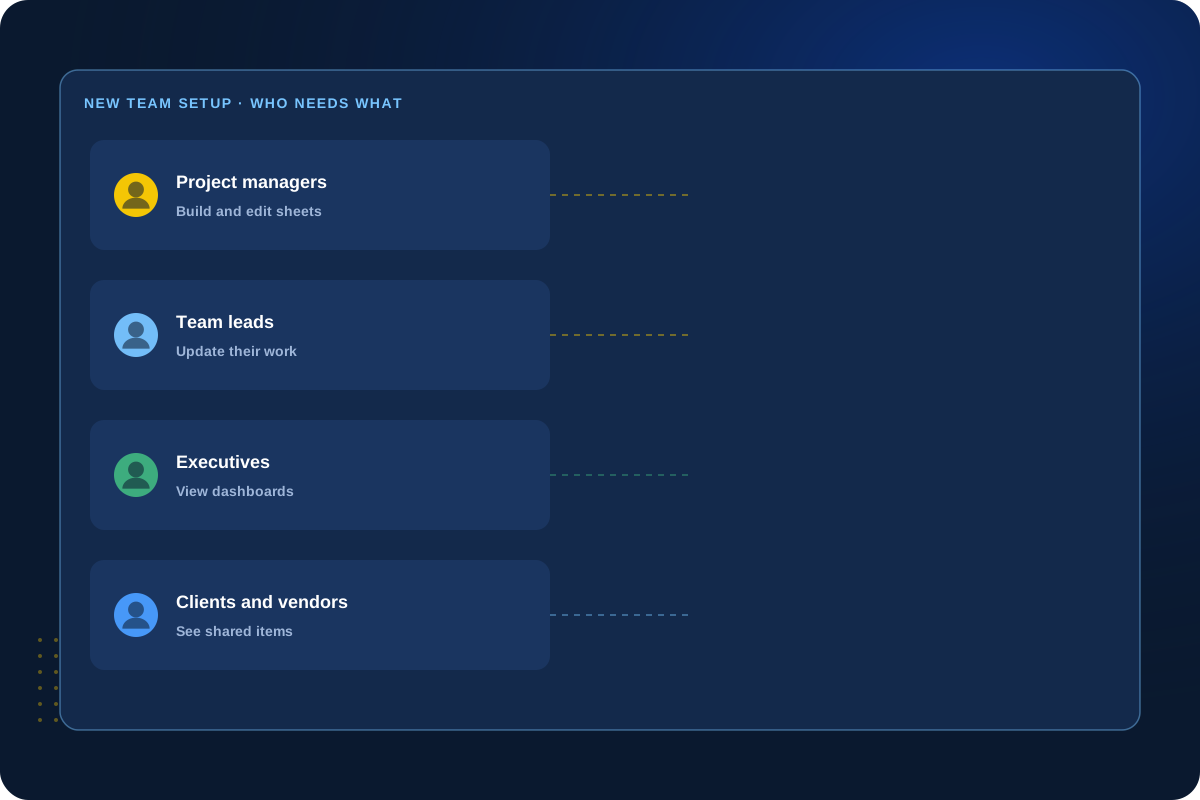
New to Smartsheet, or adding a new team? We help you pick the plan and decide who needs a paid seat and who can use a free one.
Smartsheet has paid Members, plus free Contributors and Guests for people who mostly view, comment or work with you from outside.
Plans
Members
Contributors
Guests
02
Renewal Reviews
A usage check before you renew
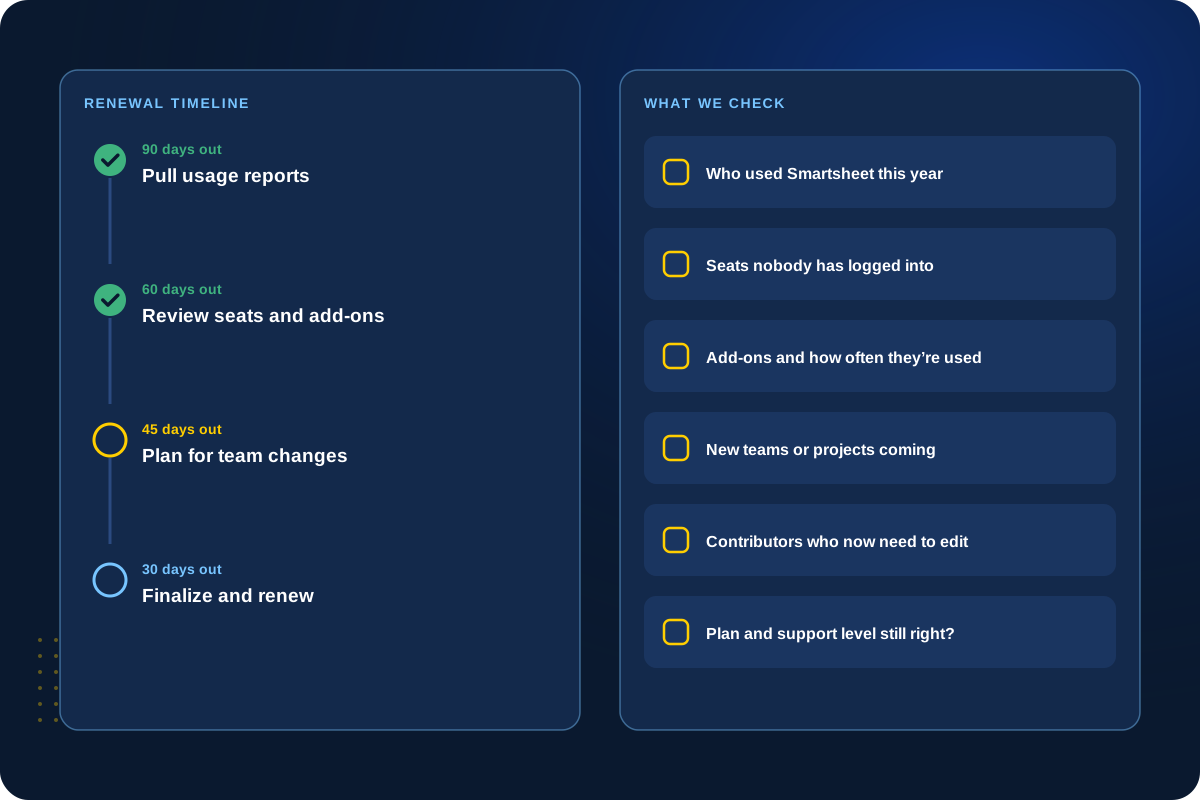
Before renewal, we review who is using Smartsheet and how, which add-ons get used, and what changes are coming.
You renew for what you need, not for what you had last year.
Usage
Add-ons
Changes
Renew
03
Premium Add-ons
Add-ons that are worth it
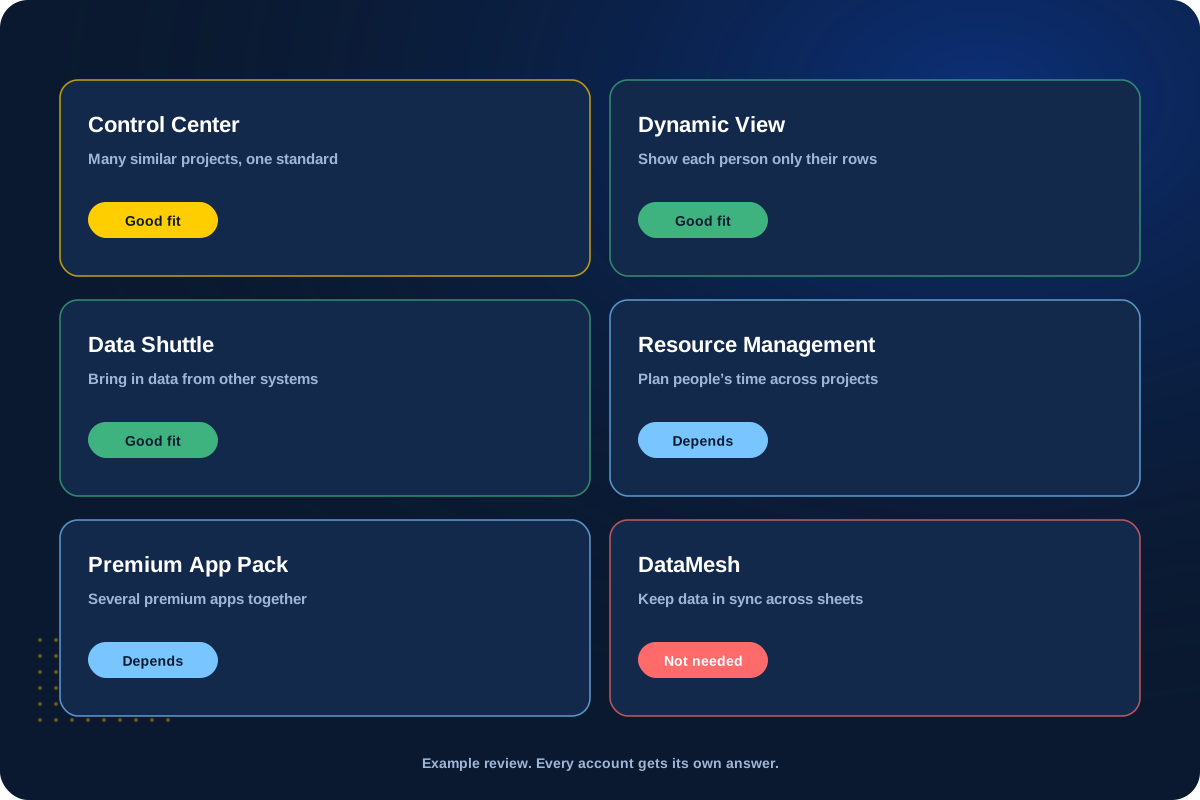
Control Center, Dynamic View, Data Shuttle, Resource Management, the Premium App Pack and more. We tell you which ones fit your work, and which ones you can skip.
If you buy one, we can set it up too, like Control Center.
Control Center
Dynamic View
Data Shuttle
Resource Mgmt
04
Adding Users
Adding people during the year
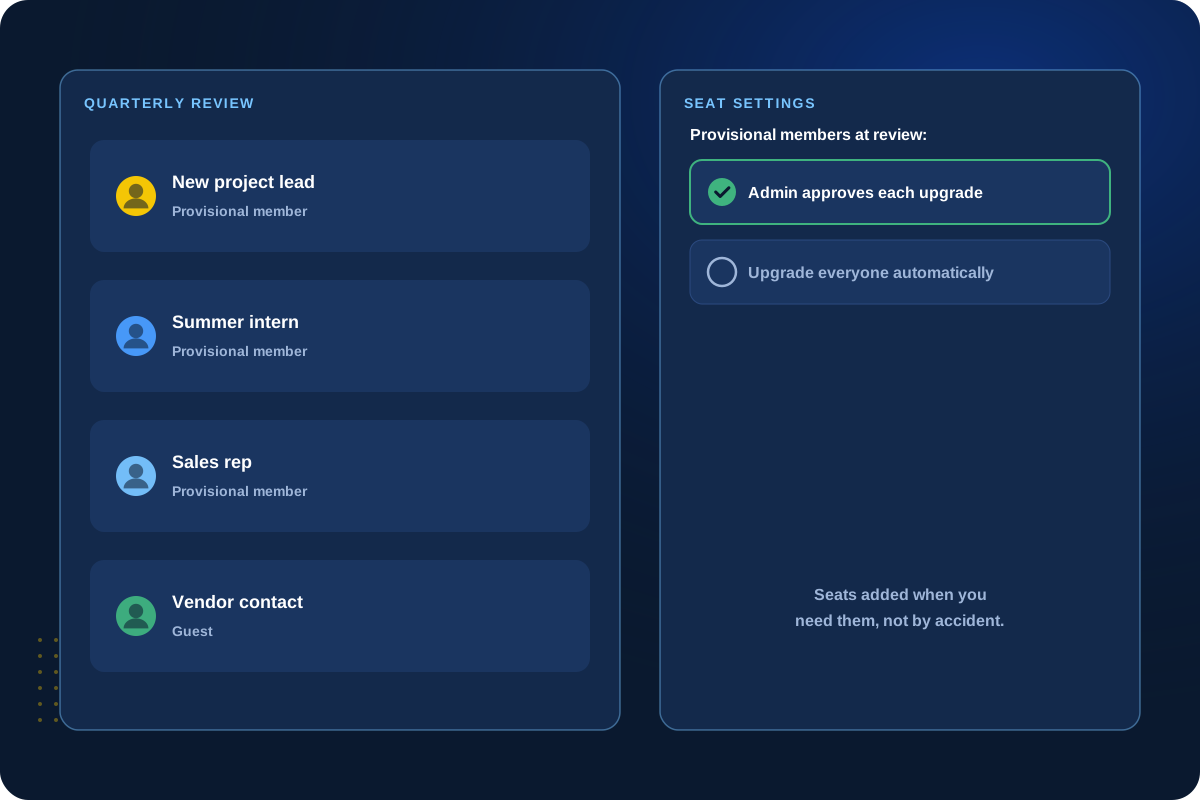
Teams grow and change. We help you add seats when you need them and set up user rules so paid seats aren’t added without anyone noticing.
On annual plans, Smartsheet reviews provisional members every quarter. One setting decides whether they become paid seats on your next bill.
Add seats
User rules
Quarterly review
No surprises
Paying for add-ons nobody uses?
A health check reviews seats, add-ons and how they’re actually used.
Why Buy Through TCC
One partner for licenses and the work around them.
We’re a Smartsheet Aligned Elite Solution Partner.
One contact
Licenses, renewals, setup and support handled by the same team.
Honest recommendations
We’ll tell you when you don’t need a seat or an add-on.
Set up the right way
We configure new add-ons and user settings, not just sell them.
Planned with your projects
Licenses lined up with any build, cleanup or support work.
Client Perspective
What our clients say.
Real feedback from teams we have worked with.

Cat Gilbertson

Kristopher Le, PharmD.

Danielle Benford
How We Work
How a license review works.
01
Understand
Learn about your team, how you use Smartsheet and what’s coming.
02
Review
Check usage, seat types and add-ons against what you pay for.
03
Recommend
Suggest what to keep, add or drop, in plain language.
04
Purchase & Set Up
Handle the purchase or renewal and set up anything new.
Next Step
Let’s review your Smartsheet licenses.
Tell us about your team and your renewal date. We’ll help you pay for what you use.