
Migration Services
Move your Smartsheet work with no surprises.
Between accounts, between regions, or into Smartsheet from other tools. We tell you up front what moves cleanly, what needs to be rebuilt and what your team will notice.
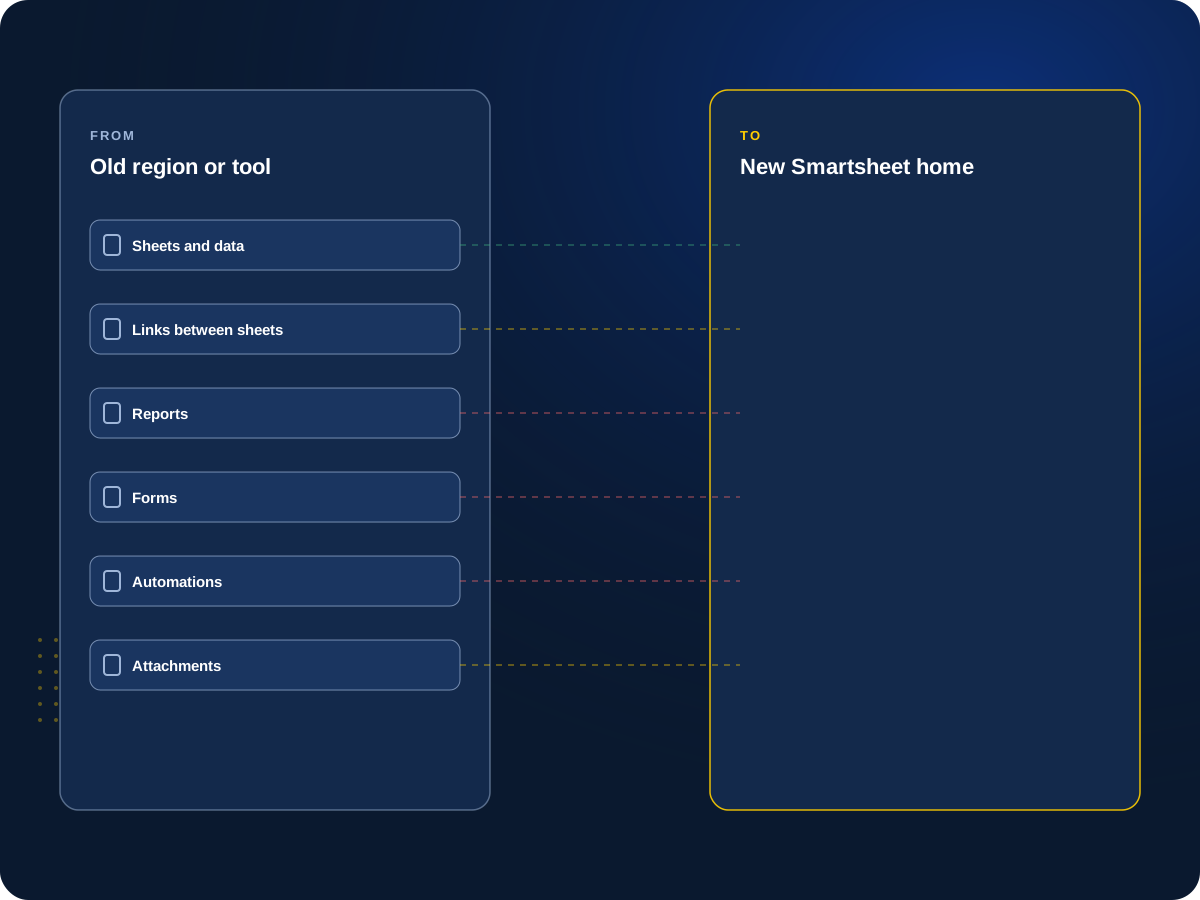

Moving Smartsheet work?
Tell us what you’re moving and where. We’ll tell you what moves cleanly and what doesn’t, before you commit.
Straight Answers First
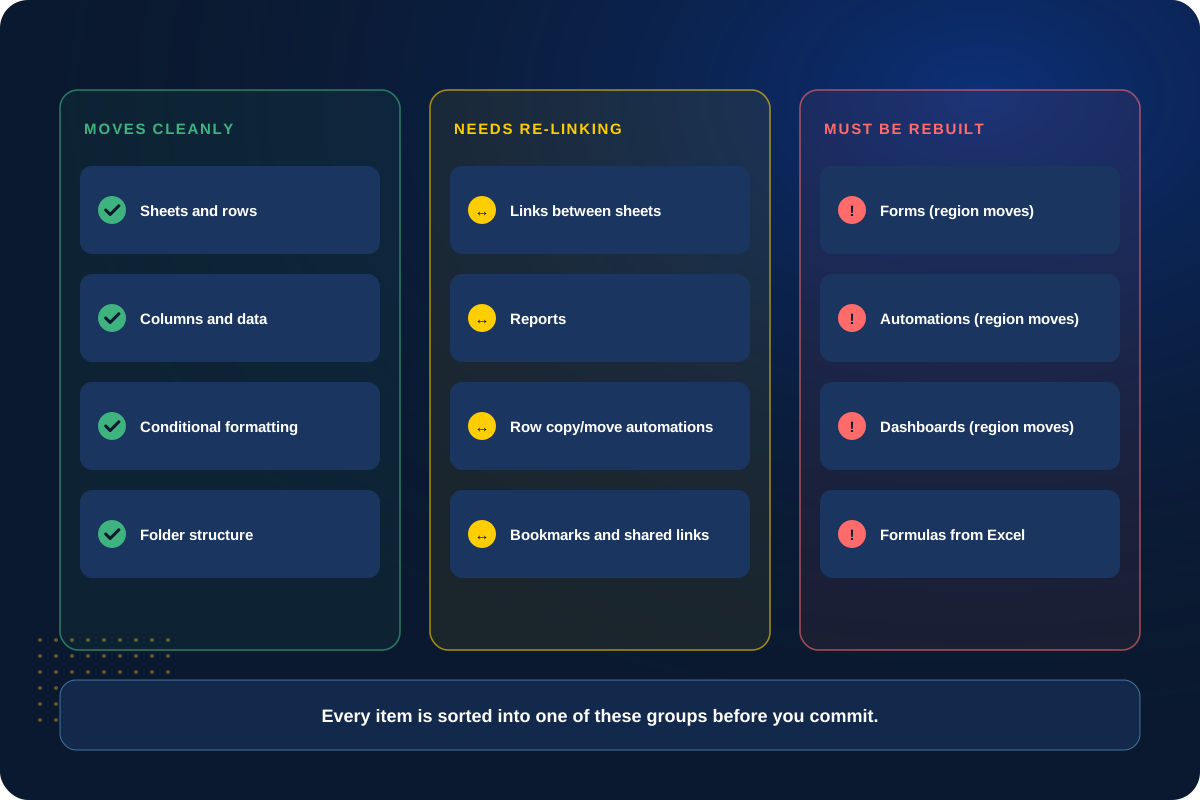
Not everything moves. We tell you what won’t before we start.
A migration is rarely one click. Some things copy over cleanly, some need to be re-linked, and some have to be rebuilt by hand, like forms, automations and dashboards when you move between regions.
We sort every item into one of those groups before you commit, so the timeline and estimate are real and nothing catches your team off guard.
What We Move
Three kinds of moves, each with its own catch.
We plan each one around what actually carries over.
01
Account to Account
Merging or splitting Smartsheet accounts
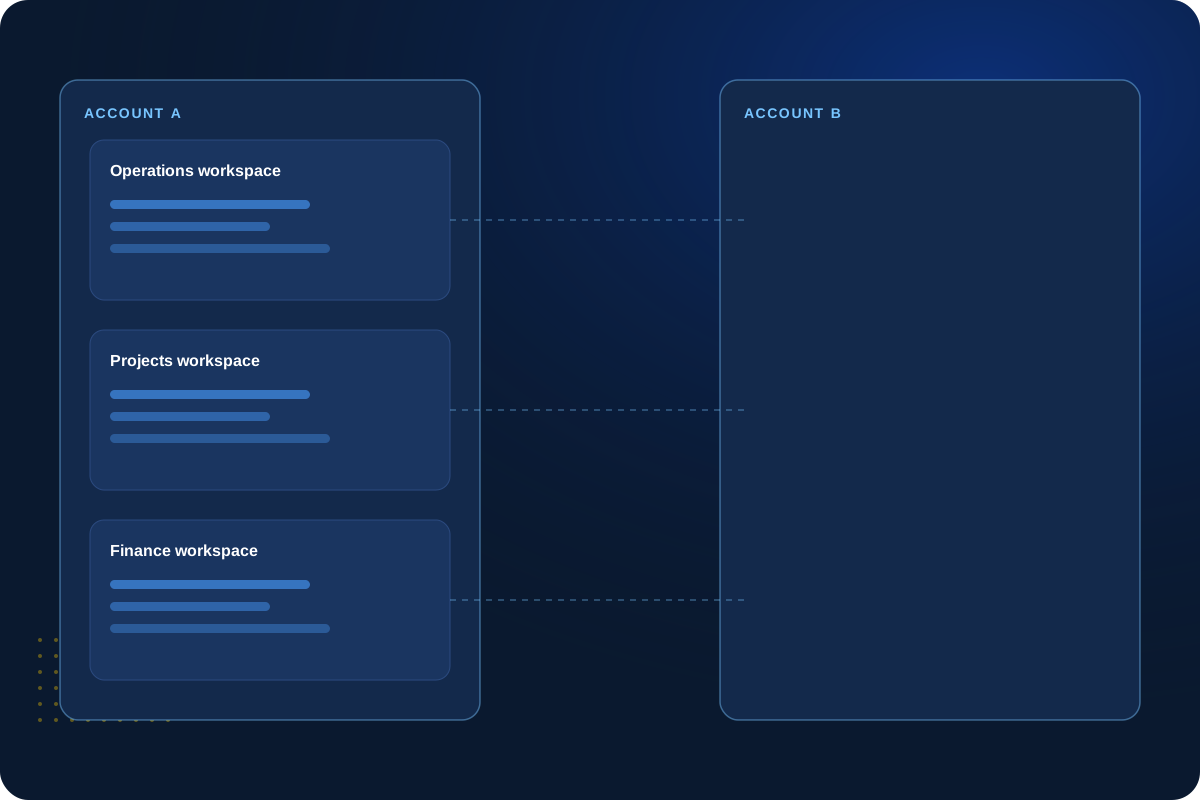
After an acquisition, a spin-off or a reorganization, we move workspaces between accounts and reconnect what breaks along the way.
Links between sheets, reports, dashboards and row automations can still point to the old copy. We find them and fix them.
Workspaces
Ownership
Sharing
Re-linking
02
Region Moves
Moving to another Smartsheet region
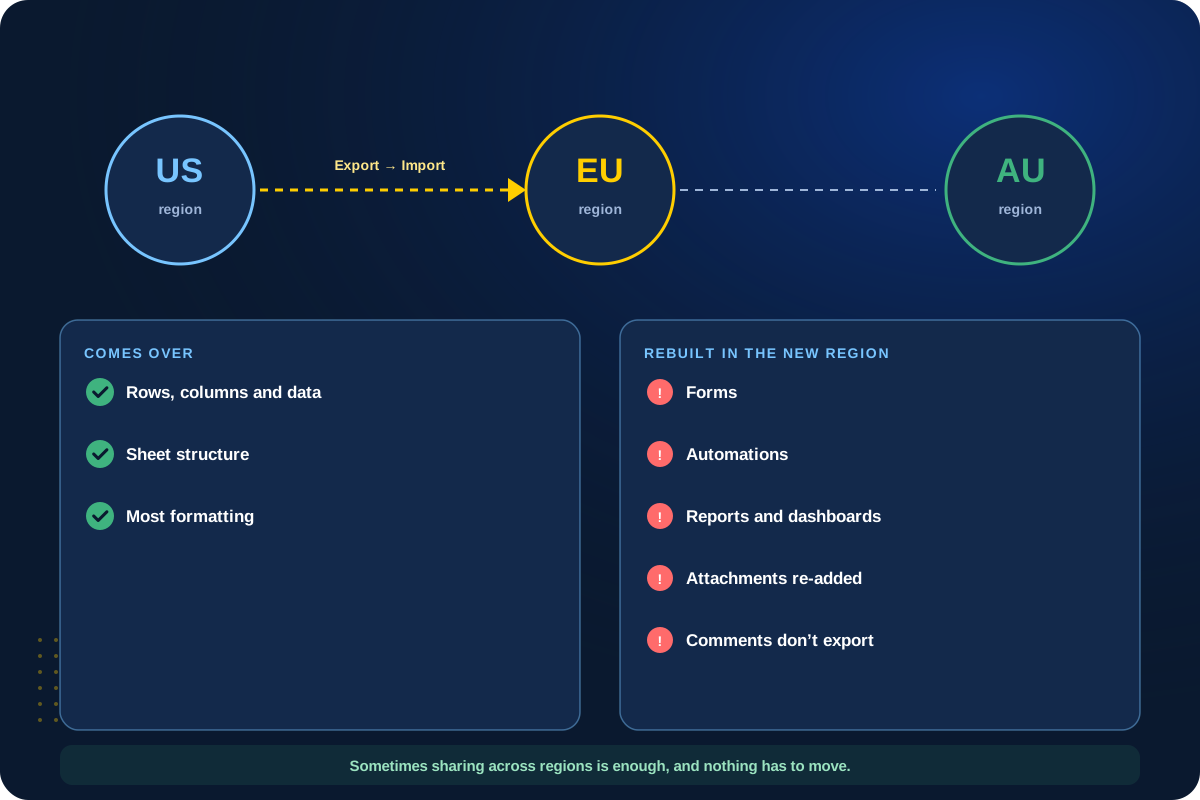
Smartsheet runs separate regions, such as the US, EU and Australia. Moving between them means exporting and importing, and forms, automations, reports, dashboards and attachments have to be rebuilt.
Sometimes you don’t need to move at all. Sharing across regions may be enough, and we’ll tell you if it is.
Export
Import
Rebuild
Test
03
Into Smartsheet
Bringing work in from other tools
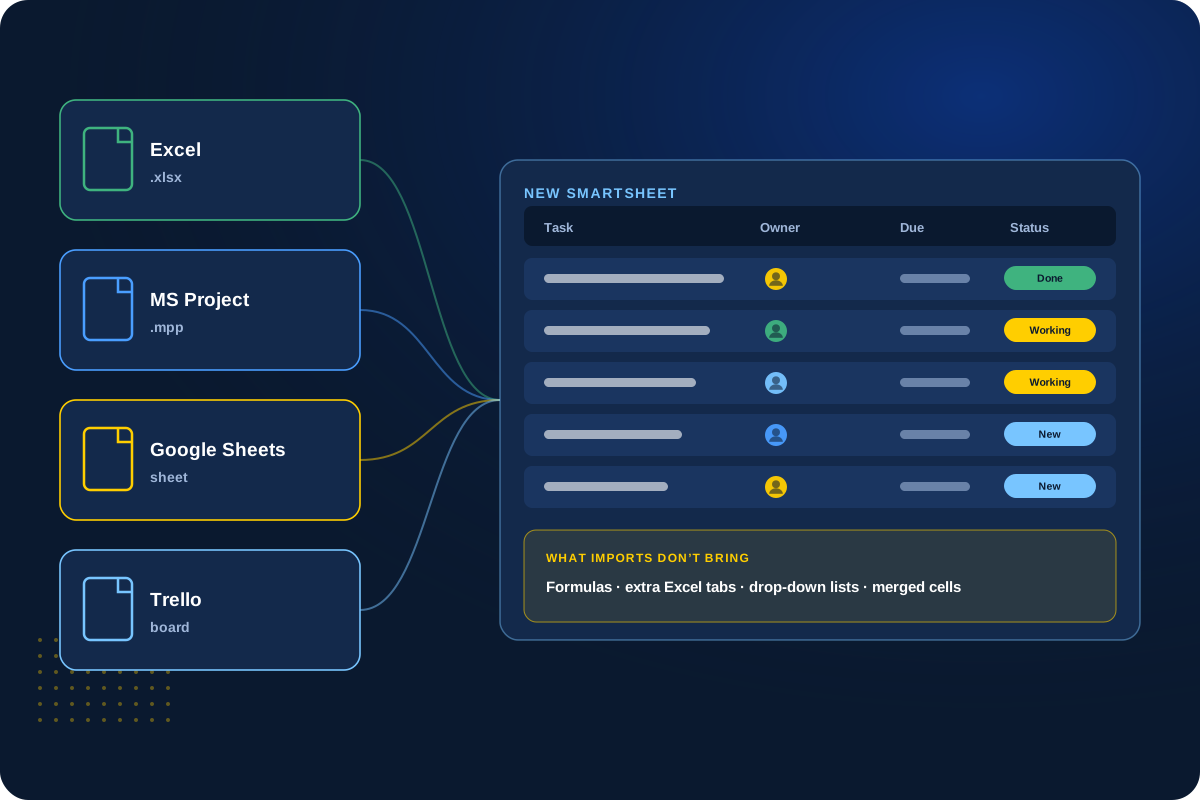
We move work from Excel, MS Project, Google Sheets, Trello and other tools into Smartsheet, then set it up the way your team works.
Imports bring data, not logic. Formulas, extra Excel tabs, drop-down lists and merged cells don’t come over, so we rebuild what matters.
Excel
MS Project
Google Sheets
Trello
04
Testing & Switch-Over
Test first, then switch over
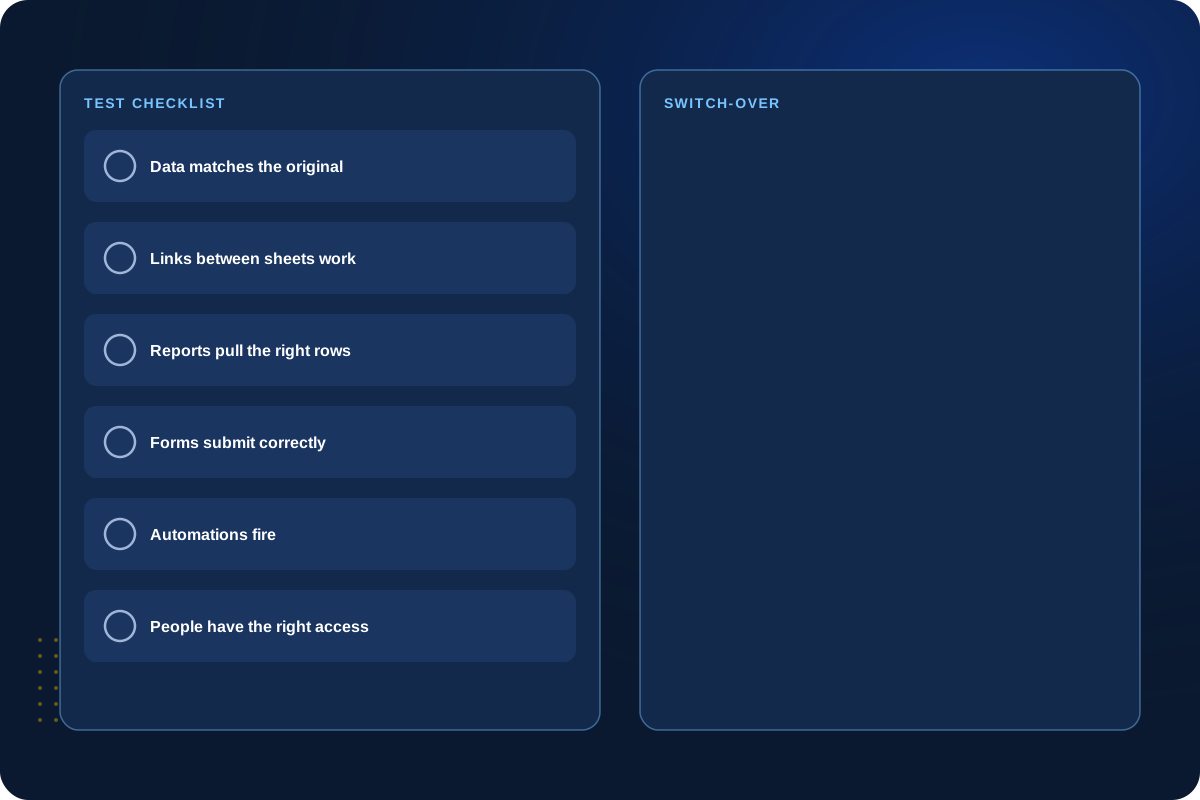
We test the moved work against real scenarios, then pick a switch-over time that avoids disrupting active work.
Your team gets a short list of what changed, like new links and bookmarks, and help after the move.
Test
Schedule
Switch
Support
Not sure it needs to move?
Sharing between accounts or regions can sometimes do the job without a migration. We’ll tell you honestly.
Before We Move Anything
Four questions we answer up front.
You get the answers in writing before the move is scheduled.
What moves cleanly?
Sheets, data and structure that carry over as they are.
What needs to be rebuilt?
Forms, automations, dashboards, attachments and anything else that won’t copy.
What will users notice?
New links, bookmarks, notifications or access they need to update.
When do we switch over?
A time that avoids disrupting active work, with a fallback plan.
Client Perspective
What our clients say.
Real feedback from teams we have worked with.

Cat Gilbertson

Kristopher Le, PharmD.

Danielle Benford
How We Work
How a migration works.
01
Inventory
List everything involved and what depends on what.
02
Plan
Sort what moves, what gets re-linked and what gets rebuilt, then set the order and timing.
03
Move & Test
Move the work and test it before anyone switches over.
04
Switch & Support
Switch your team over and help with questions after the move.
Next Step
Let’s plan your migration.
Tell us what you need to move and where. We’ll start by showing you what’s involved.