
Managed Services & Support
An extension of your team.
We handle your Smartsheet admin, fixes, changes and training, and help you plan what’s next. Ongoing help from people who already know your setup.
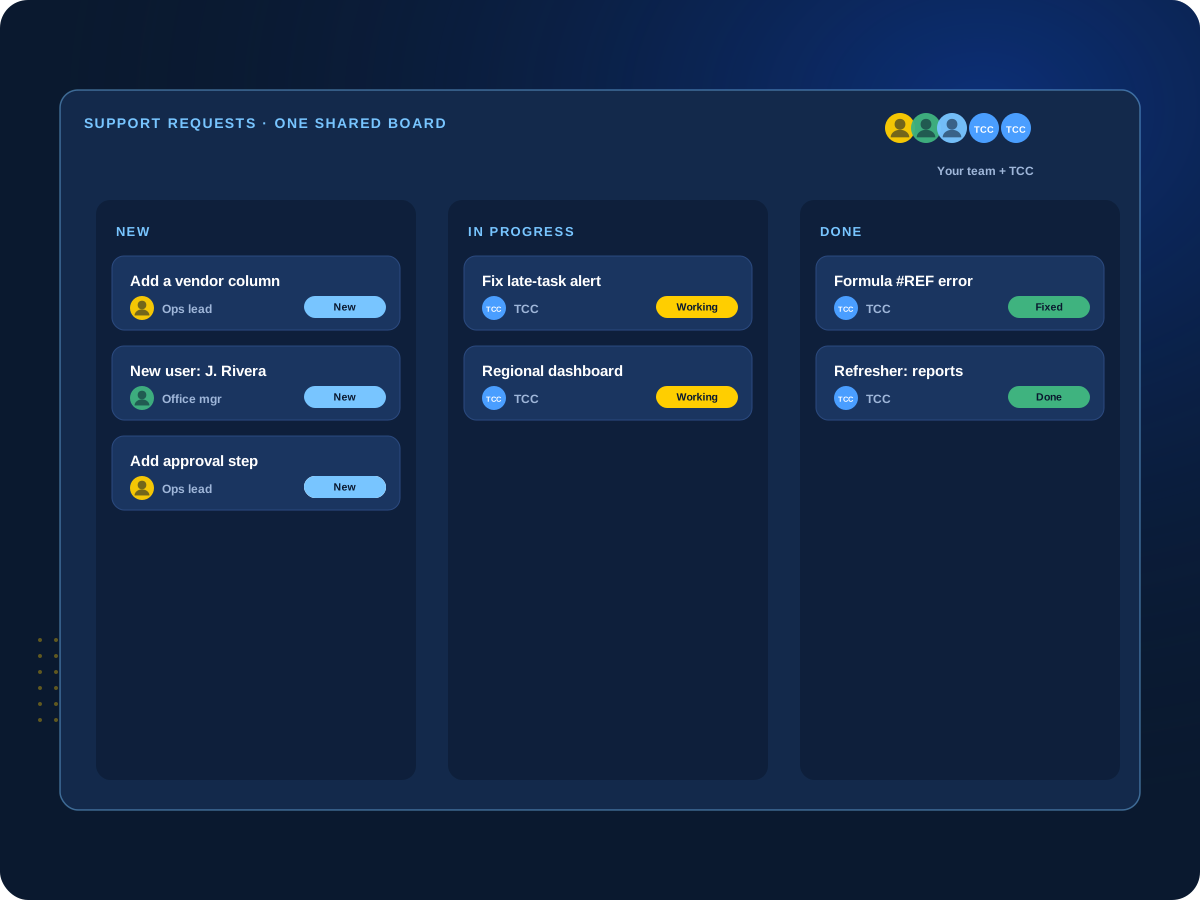

No Smartsheet admin on staff?
We can cover admin, fixes and training so your team doesn’t need a full-time hire.
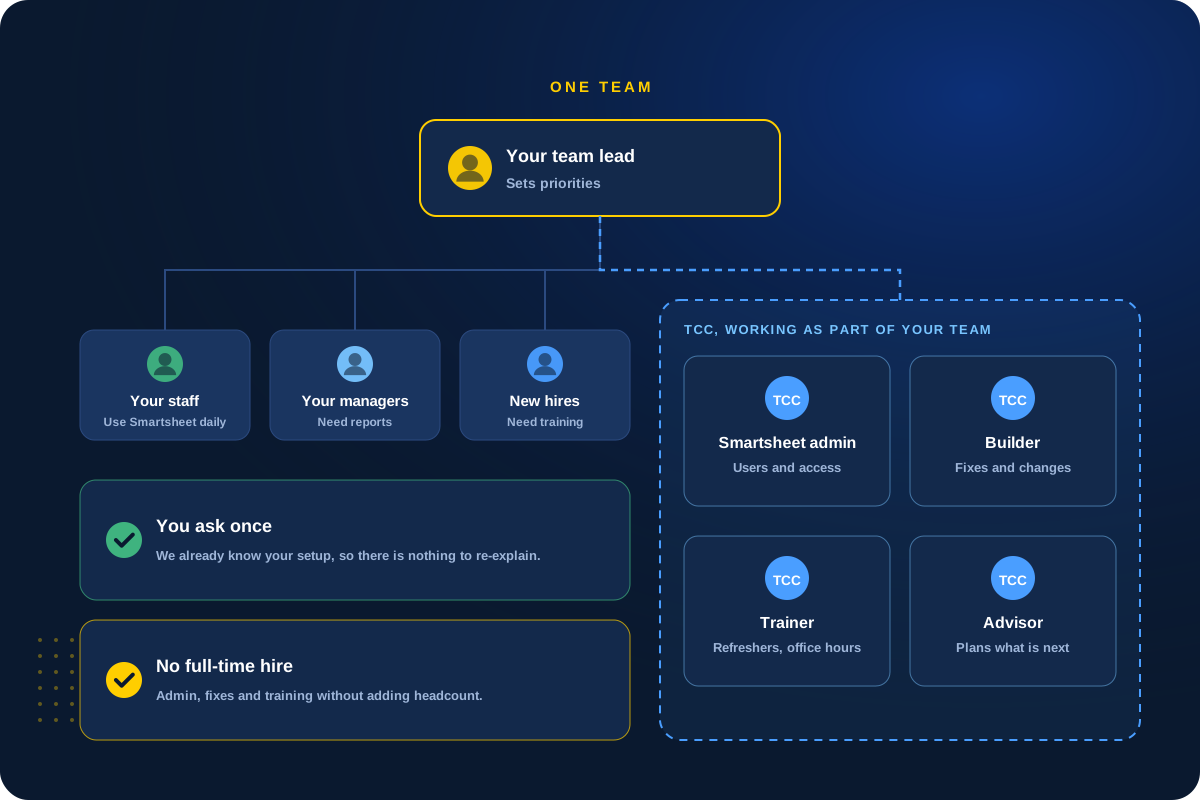
How It Works
Like having a Smartsheet team down the hall.
Most teams don’t need a full-time Smartsheet admin. They need someone who knows their setup, is easy to reach and keeps things running as the business changes.
That’s what managed services is. We work as part of your team: you send requests, we handle them, and we keep a running list of what to improve next.
What We Handle
The work that keeps Smartsheet running.
Use as much or as little as you need each month.
01
Day-to-Day Admin
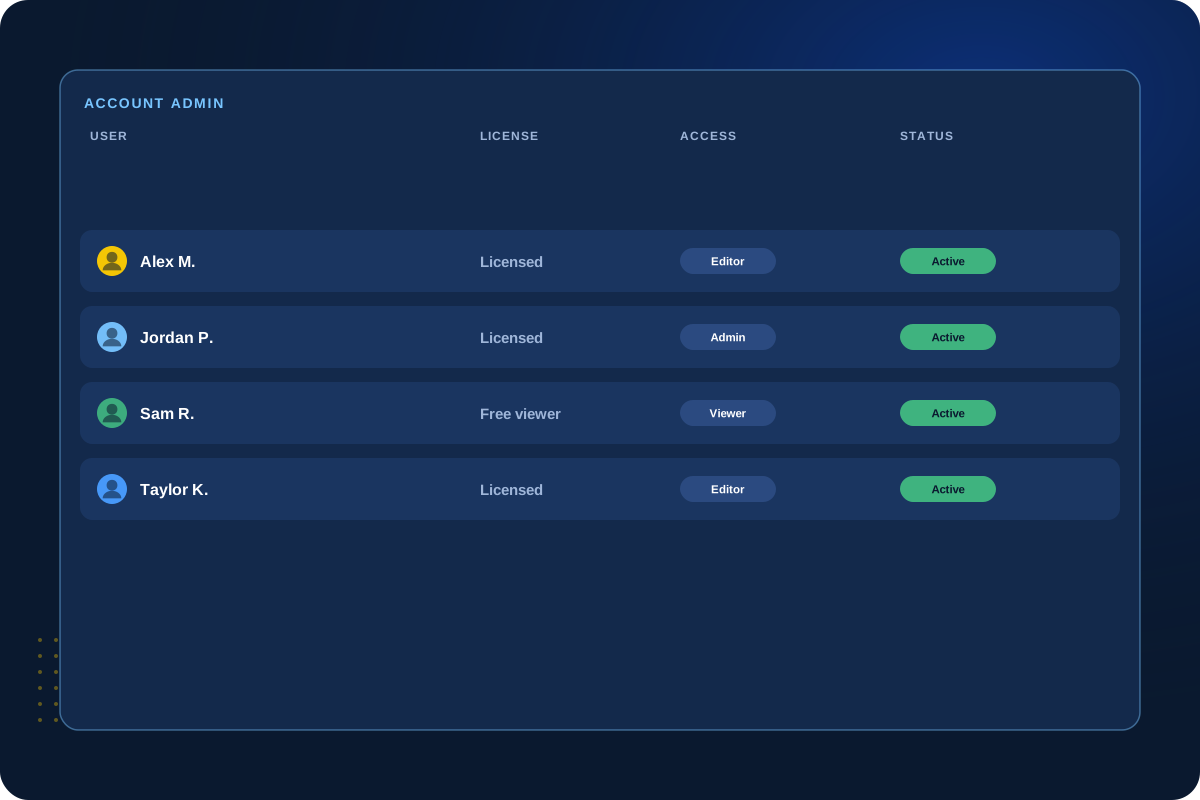
We take care of the admin work
Adding and removing users, assigning licenses, and setting up sharing and permissions so the right people see the right things.
Your team doesn’t need its own full-time Smartsheet admin.
Users
Licenses
Sharing
Permissions
02
Fixes & Changes
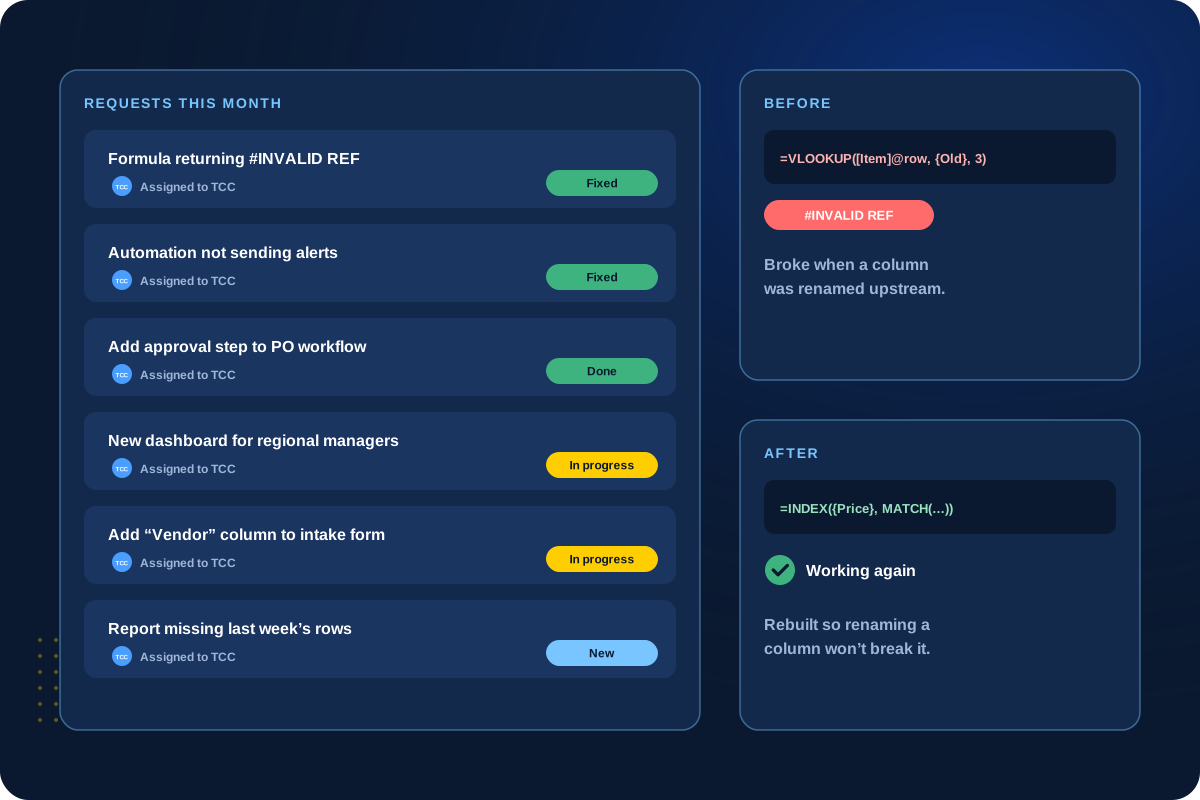
Fixes and changes, handled for you
When a formula breaks or an automation stops working, we fix it. When your process changes, we update sheets, reports and dashboards to match.
Send a request and we take it from there.
Formulas
Automations
Reports
Dashboards
03
Ongoing Training
New people get up to speed fast
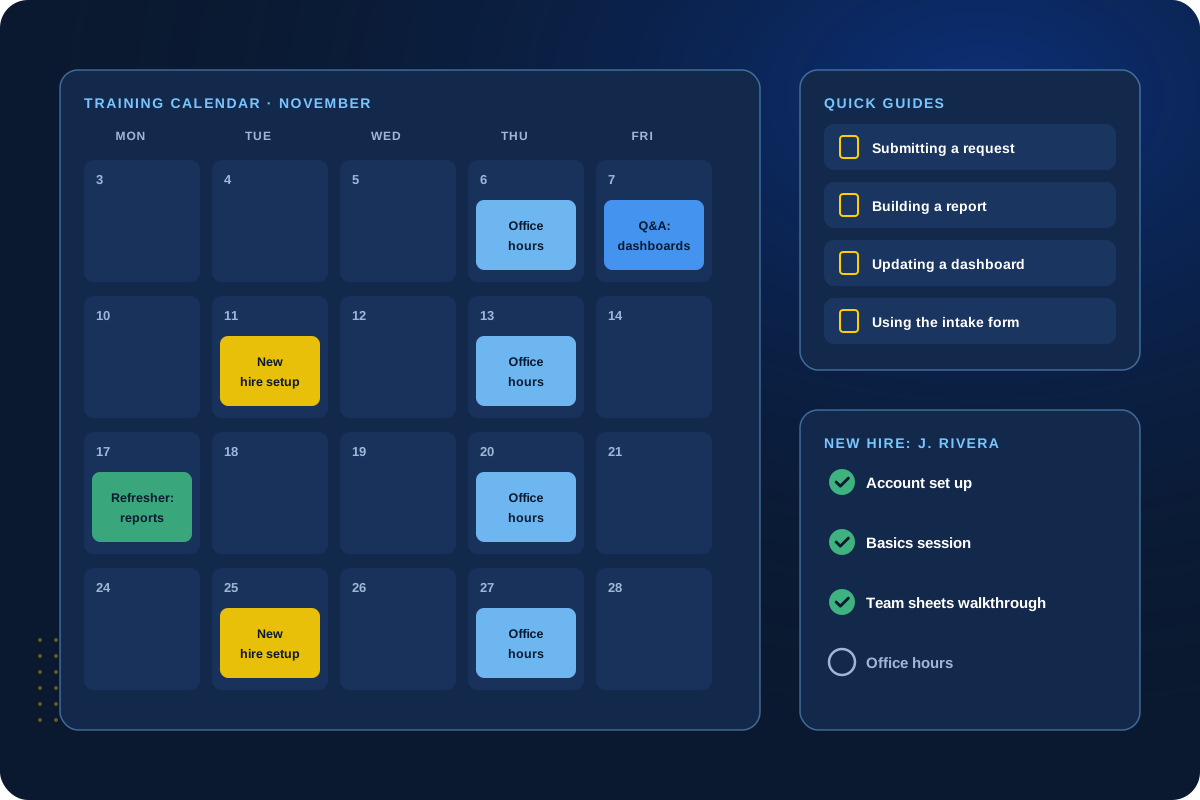
Refresher sessions, training for new hires and office hours where your team can bring questions.
Need deeper training? See our training courses.
Refreshers
New hires
Office hours
Guides
04
Planning & Advice
Someone looking ahead with you
Regular check-ins to review what’s working, new Smartsheet features worth using, and whether your data is ready for AI.
When something bigger is needed, like a health check or a new build, we’ll tell you.
Check-ins
New features
AI readiness
Next steps
Not sure how much help you need?
Tell us what your team asks for today. We’ll suggest a plan size that fits.
Support Plans
Flexible plans that fit how you work.
Some teams need steady help every month. Others need it in bursts around projects or busy seasons.
A bucket of hours
Buy a block of hours and use them as needs come up.
A monthly plan
A set amount of help every month for steady, predictable support.
One simple way to ask
Requests come in one place, so nothing gets lost and you can see what’s in progress.
Regular check-ins
We review open requests and priorities together and plan what’s next.
Client Perspective
What our clients say.
Real feedback from teams we have worked with.

Cat Gilbertson

Kristopher Le, PharmD.

Danielle Benford
How We Work
How ongoing support works.
01
Get to Know You
Learn your setup, your team and the kind of help you need.
02
Set Up the Plan
Agree on plan size, what’s included and how requests come in.
03
Handle Requests
Fix, change, train and answer questions as requests come in.
04
Check In
Review priorities regularly and plan what’s next.
Next Step
Let’s talk about ongoing support.
Tell us what kind of help your team needs. We’ll suggest a plan that fits.