
Our Tools
Tools we built for Smartsheet teams.
We’re Smartsheet consultants first. We built these tools to solve two problems we kept running into on client projects: turning sheet data into documents, and agreeing on a dashboard before anyone builds it.
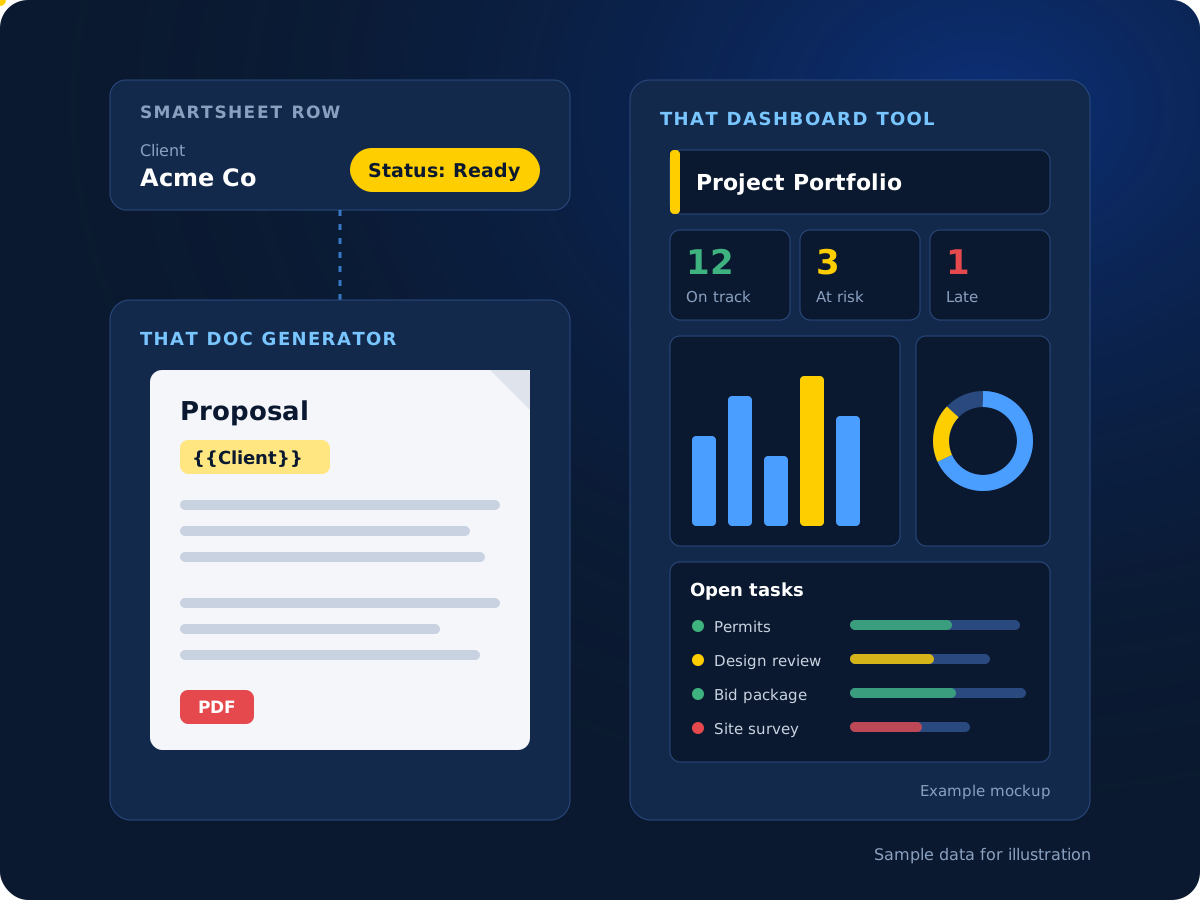

Want help setting one up?
We can connect That Doc Generator to your sheets, or mock up your dashboards with you.
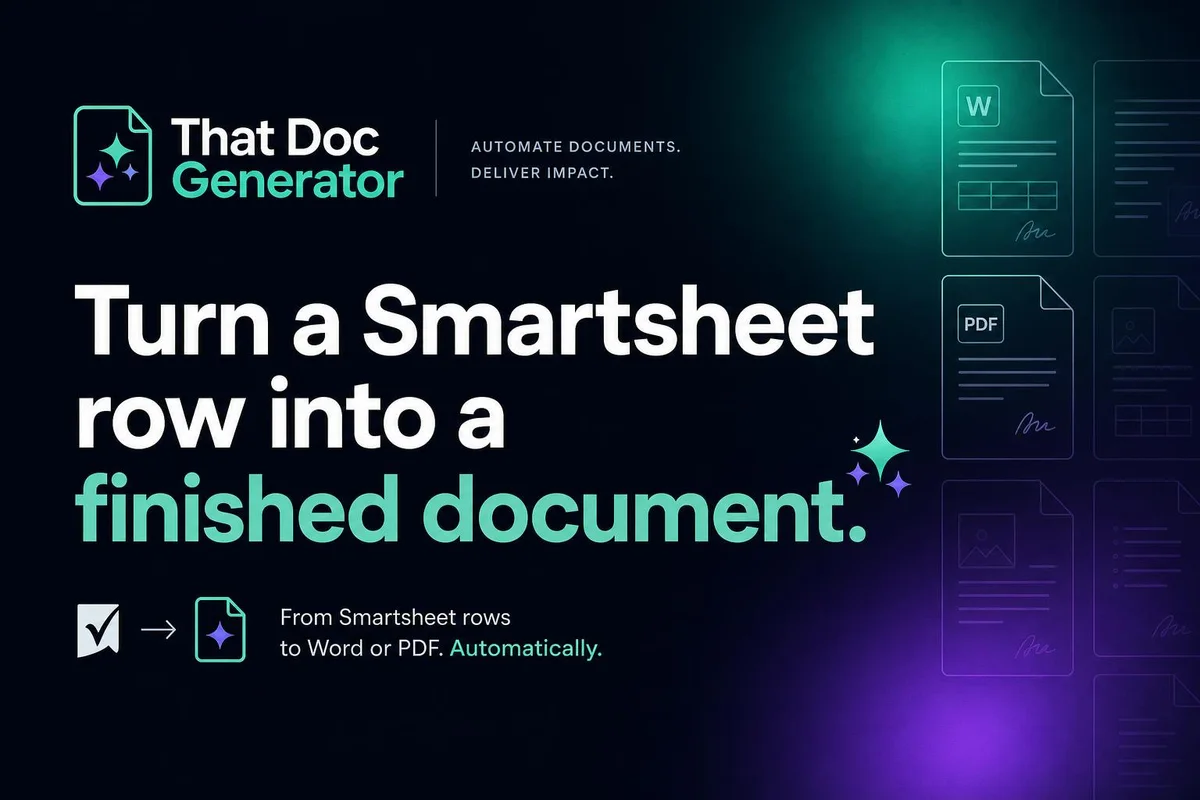
That Doc Generator
Change a status in Smartsheet. Get a finished document.
Build a template in Word, Google Docs or a fillable PDF, with {{tokens}} for the fields you need. When a row is marked ready, the tokens fill from that row and the finished document is attached back to the row. You can also save a copy to Google Drive.
Setup takes three steps: connect Smartsheet, add your template, then map each token to a column and pick the status that starts a run. It works with Smartsheet’s US region, and every account starts with a free 5-day trial with no card required.
What It Handles
More than fill-in-the-blanks.
Features built for real Smartsheet workflows.
AI-written fields
A prompt reads other columns and writes a summary or scope of work. AI fields are metered per use.
A different document per row
Pick a template or prompt based on a column value.
File names from row data
Build file names from columns, like {{Client}}-Proposal.
Word or PDF output
Keep the finished file as .docx, or convert it to PDF before it attaches.
Status written back
The row updates to Generated or Error, so you can see what ran.
Child rows become tables
Child rows fill a table in the document: many rows, one file.

Not sure which tool fits?
Tell us what you’re trying to do. We’ll point you to the right tool, or build it for you.
That Dashboard Tool
Agree on the dashboard before anyone builds it.
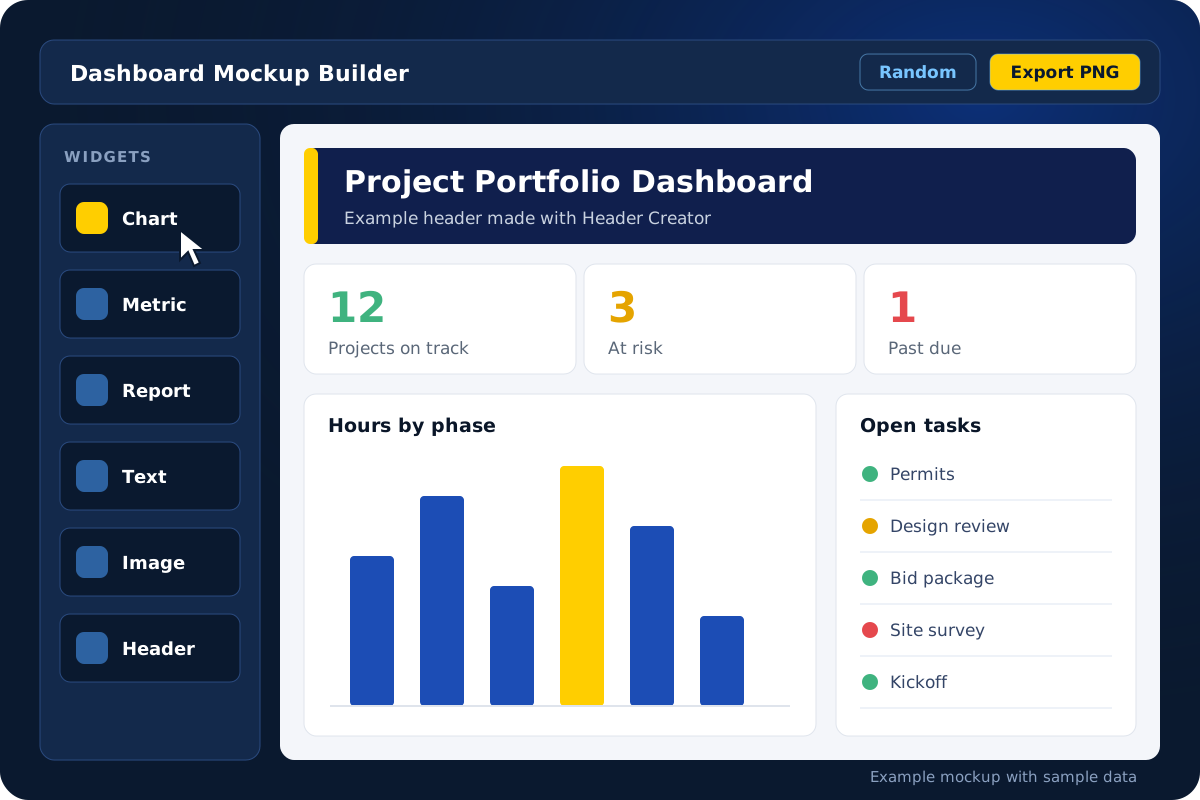
Mock up Smartsheet dashboards with drag-and-drop widgets like charts, metrics and reports, then share the mockup with stakeholders. They point at what they want changed, you adjust it, and everyone signs off before the build starts.
Header Creator makes polished headers and banners for dashboards, presentations or web apps, with no design tools needed. You can try both tools free without an account.
Two Tools in One
Mock it up, then build it once.
Smartsheet layouts are available now. NetSuite, Salesforce, HubSpot and ServiceNow are listed as coming soon.
Dashboard Mockup Builder
Drag in charts, metrics, reports and text to lay out a dashboard in minutes.
Header Creator
Create headers and banners ready to drop into your dashboards.
Auto-generate
Pick a template or hit Random to start from a finished mockup.
Save, export and brand
Paid plans add saving, PNG and PDF export, and project-level branding.
Next Step
Need something built for you?
These tools cover common needs. For anything bigger, we design and build custom Smartsheet solutions.