
Smartsheet Services
Get your Smartsheet working for you again.
Before you add AI, grow to more teams or renew licenses, find out what you really have. We review your Smartsheet environment, show you what is getting in the way and help you fix it.
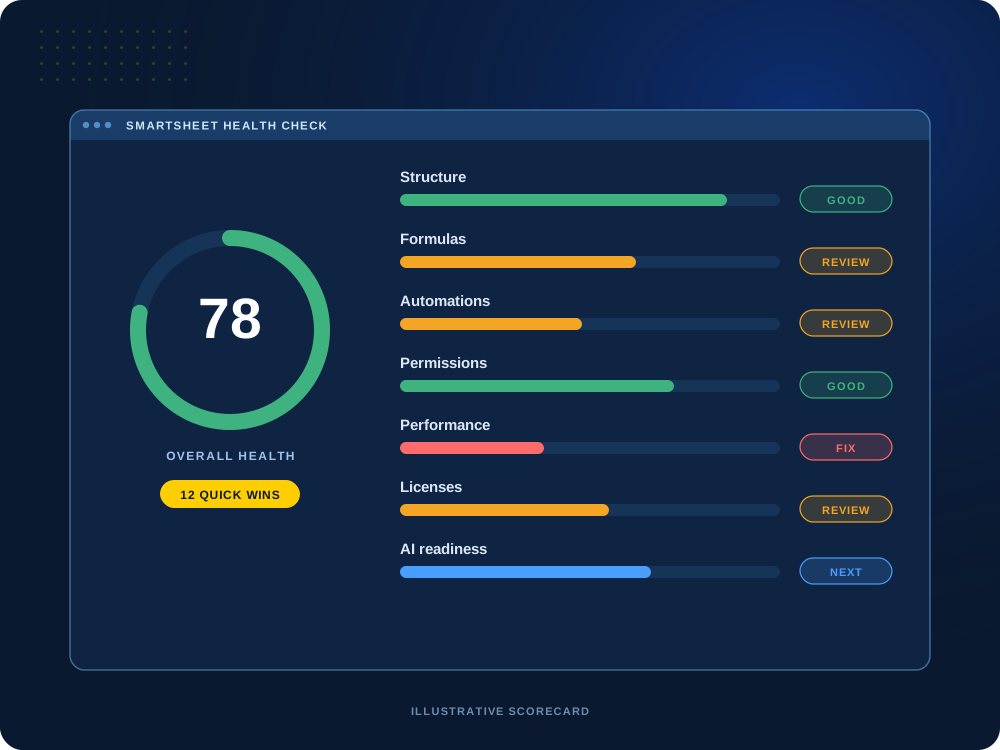

Not sure what’s slowing you down?
A health check shows what’s working, what isn’t and what to fix first, in plain language.
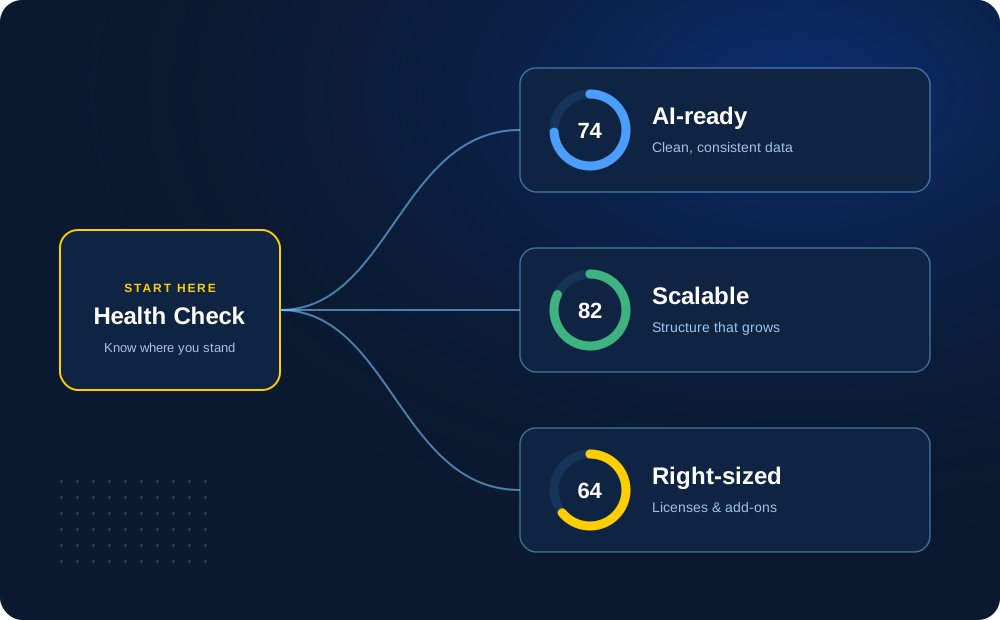
Start Here
The best first step before AI, growth or renewal.
Most Smartsheet accounts grow one sheet at a time. A health check gives you an honest starting point: what is solid, what is fragile and what will get in the way next.
From there you can decide what to fix, what to build and what to stop paying for. We are here to help either way.
Why It Matters
Four questions a health check answers.
Each one ties to a decision you will make in the next year.
01
AI & MCP Readiness
Is your data ready for AI and real insights?
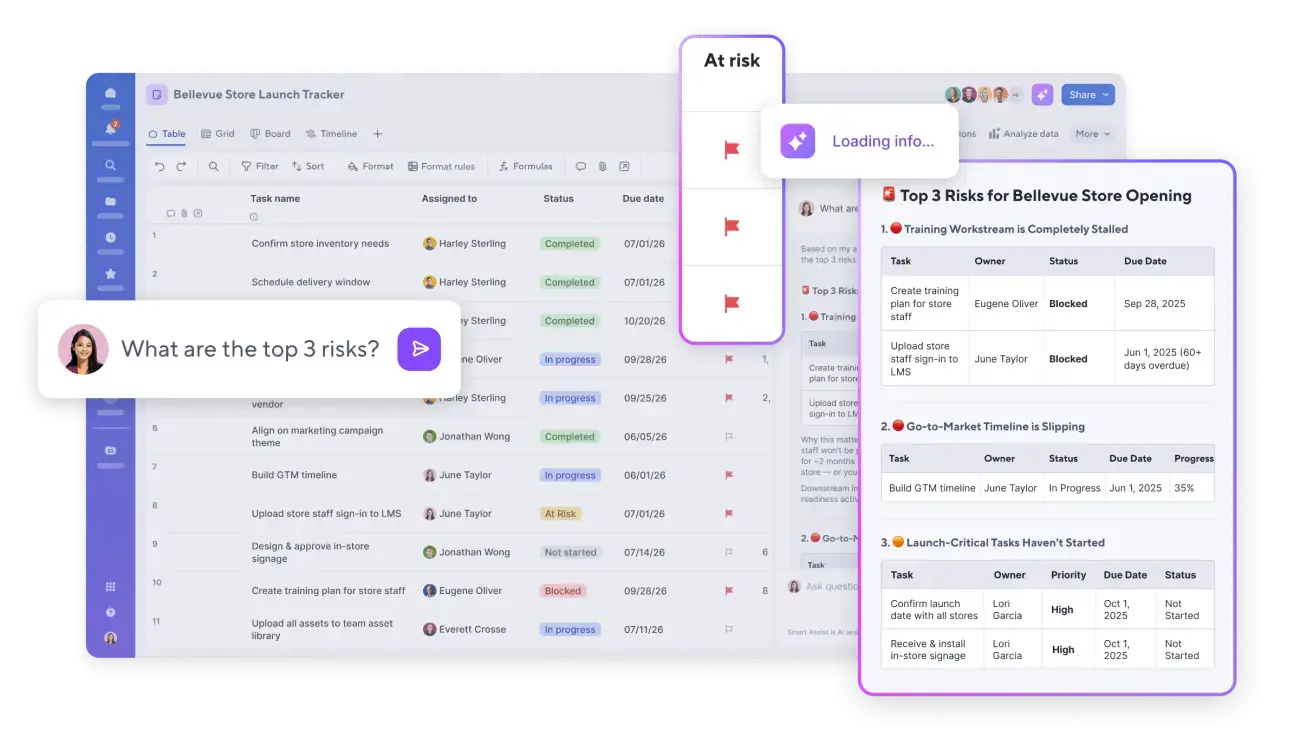
Smartsheet AI and the Smartsheet MCP Server, which connects assistants like Claude, ChatGPT, Microsoft Copilot and Gemini to your sheets, answer from the data you already have. Bad data in, bad data out: inconsistent columns, free-text status fields and duplicate sheets lead to wrong answers and bad decisions.
We check structure, naming, data quality and sharing so AI tools, MCP connections and dashboards all have something reliable to work with.
Consistent columns
Clean data
MCP-ready access
AI-ready
02
Scalability
Will it hold up as you grow?
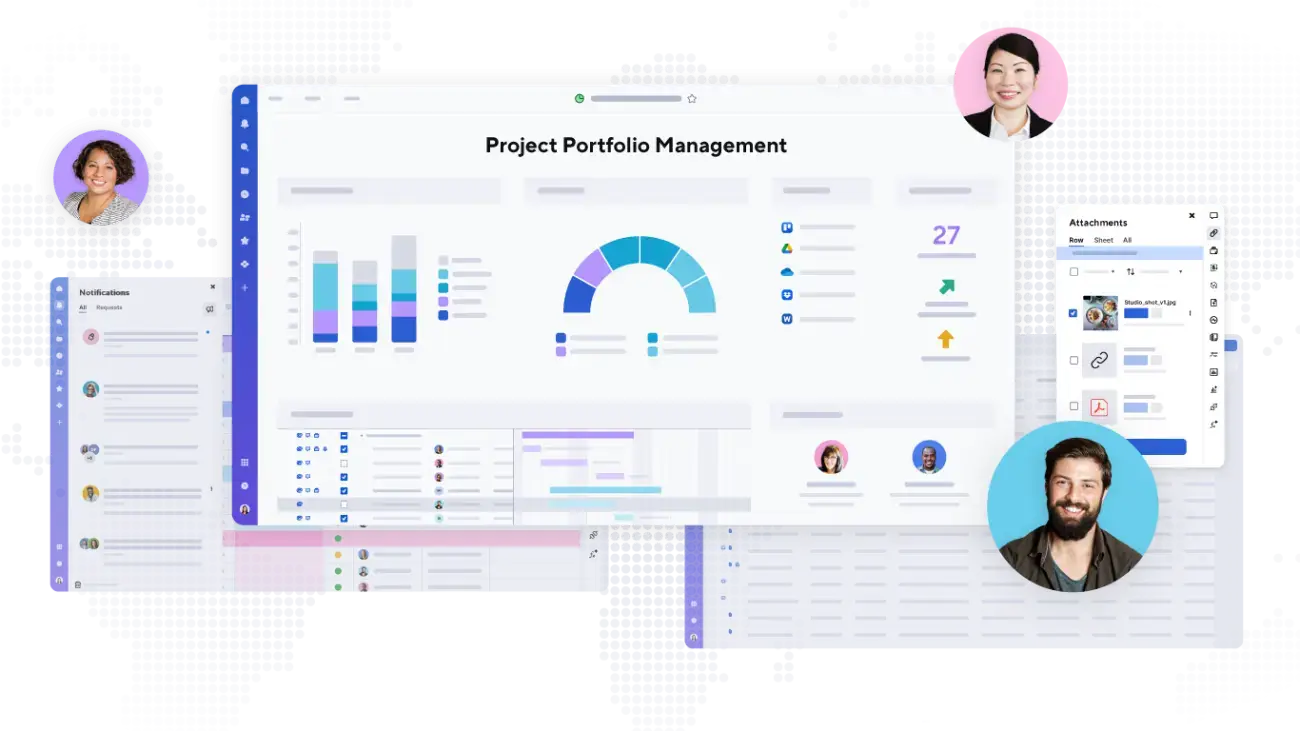
Sheets near their limits, heavy cross-sheet formulas and copied projects slow everyone down as more teams join.
We flag what will break first and how to restructure before it does.
Sheet size
Formulas
Templates
Growth-ready
03
Licenses & Add-ons
Are you paying for the right things?
We compare the seats, user types and premium add-ons you pay for, such as Data Shuttle, Dynamic View and Control Center, against how they are actually used.
Some teams are paying for more than they need; others are missing a tool that would save hours. As a Smartsheet partner, we can make the changes for you.
Seats
User types
Premium add-ons
Right-sized
04
Automation & Governance
Is it safe and easy to maintain?
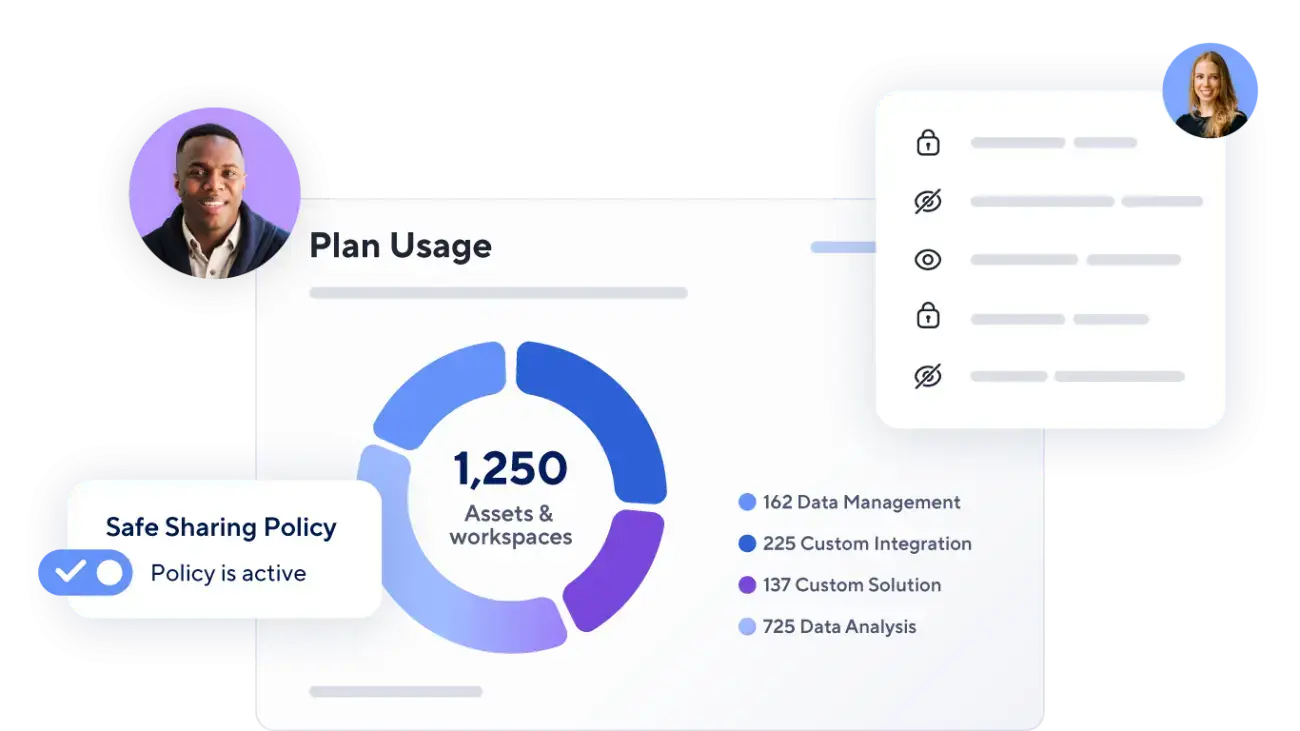
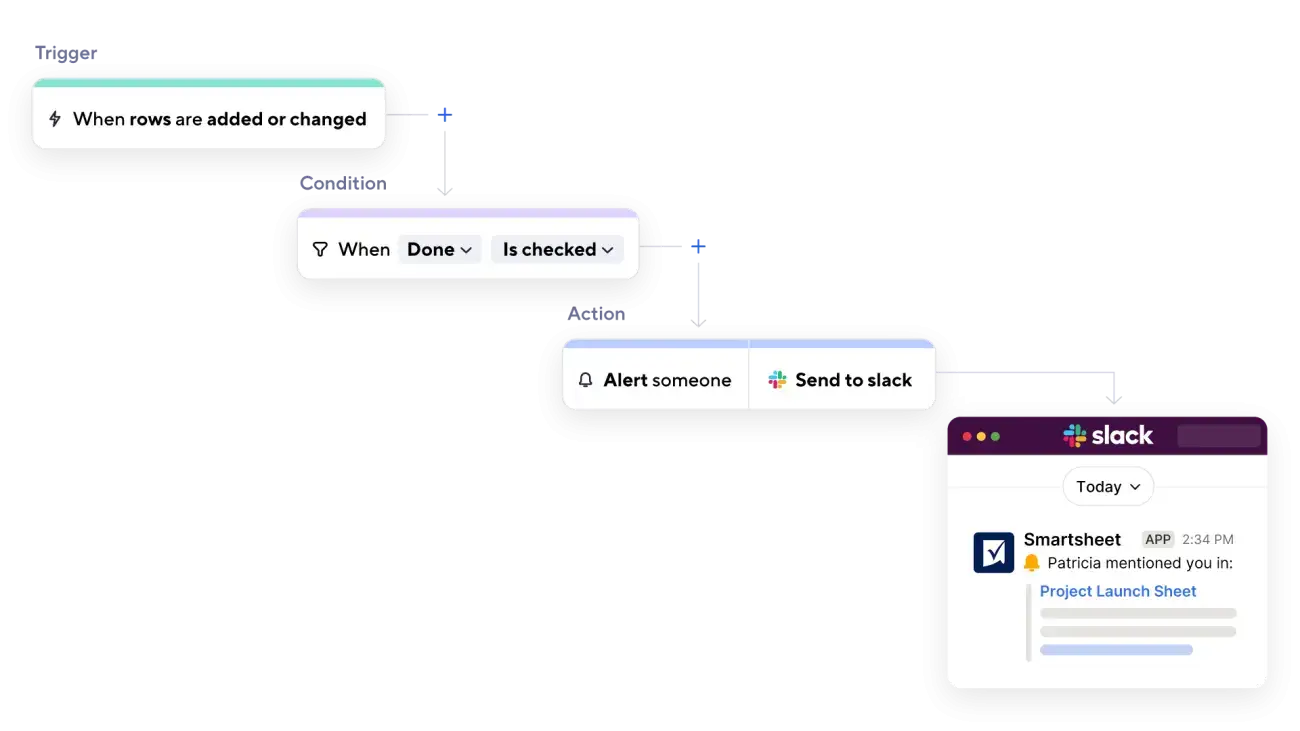
Automations that overlap, sharing that is too open and no clear owners create risk and rework.
We review workflows, permissions and standards, then set simple rules to keep things clean.
Workflows
Sharing
Ownership
Governed
Is your Smartsheet ready for AI?
We’ll show you what to clean up before you turn on AI features or connect assistants through MCP.
What We Review
A practical look at your whole account.
Every account is different, so we focus the review on the areas that matter most for your team.
Structure
How workspaces, folders and sheets are organized, and whether that structure still fits how you work.
Formulas
Formula accuracy, complexity and performance, including formulas that are hard to maintain.
Automations
Workflows that fire too often, overlap, conflict or no longer match the process.
Cross-Sheet References
References and dependencies that slow sheets down or break when something changes.
Reports & Dashboards
Whether reports and dashboards show accurate, useful information to the right people.
Permissions
Who has access to what, and whether sharing matches your security rules.
Performance
Sheet size, load times and other factors that affect day-to-day use.
Adoption
How people actually use the solution, and where they work around it.
Governance
Ownership, naming, standards and how changes are managed over time.
What You Get
Clear findings, priorities and a path forward.
A health check should lead to decisions, not just a list of problems. We explain what we found in plain language and rank it by impact and effort.
If you want help making the changes, we can implement the recommendations with your team, or you can use the findings to guide your own work.
Findings: what is working, what is not and why it matters.
Priorities: which issues to address first based on impact and effort.
Recommended fixes: specific changes to structure, formulas, automations and access.
Optional improvement plan: a step-by-step plan to make the changes.
Implementation support: we can make the changes with you if you want help.
How We Work
A clear, collaborative process.
01
Discover
Learn how the environment is used and what problems your team is seeing.
02
Review
Review the areas that matter most, from structure to permissions.
03
Recommend
Share findings, priorities and recommended fixes.
04
Improve
Implement the changes with your team, if you choose.
Related Services
Services that work well together.
Implementation & Solution Design
Design and build Smartsheet solutions tailored to your processes, people and goals.
Managed Services & Support
Get ongoing help, enhancements and advisory support as your needs evolve.
Training & Enablement
Help your team work with confidence through practical, role-based training.
Next Step
Get a clearer picture of what’s working.
Tell us what feels slow, fragile or hard to manage. We’ll help you see what to fix first.