
Smartsheet Services
Standardize repeatable projects and see the whole portfolio.
We help you run similar projects the same way every time and give leaders one view of all of them, while still allowing changes where they matter.
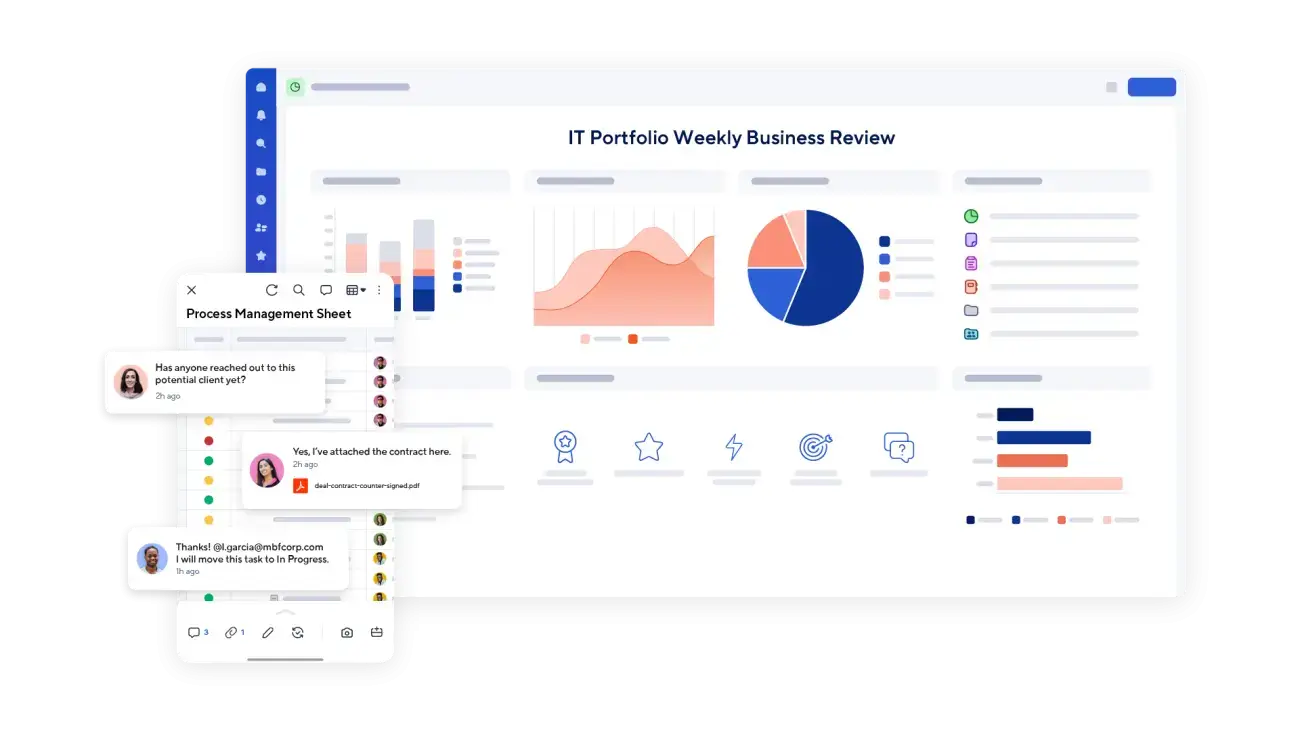

Don’t have Control Center yet?
It’s a premium Smartsheet add-on. We’ll walk you through a demo, answer your questions and tell you honestly whether it fits.
Where Control Center Helps
Run every project the same way and see them all in one place.
Control Center is built for organizations that run many similar projects. Every project launches from the same blueprint, and the results roll up automatically for leadership.
Not every organization needs it. If a simpler structure will do the job, we will tell you.
What Control Center Does
One process, from request to archive.
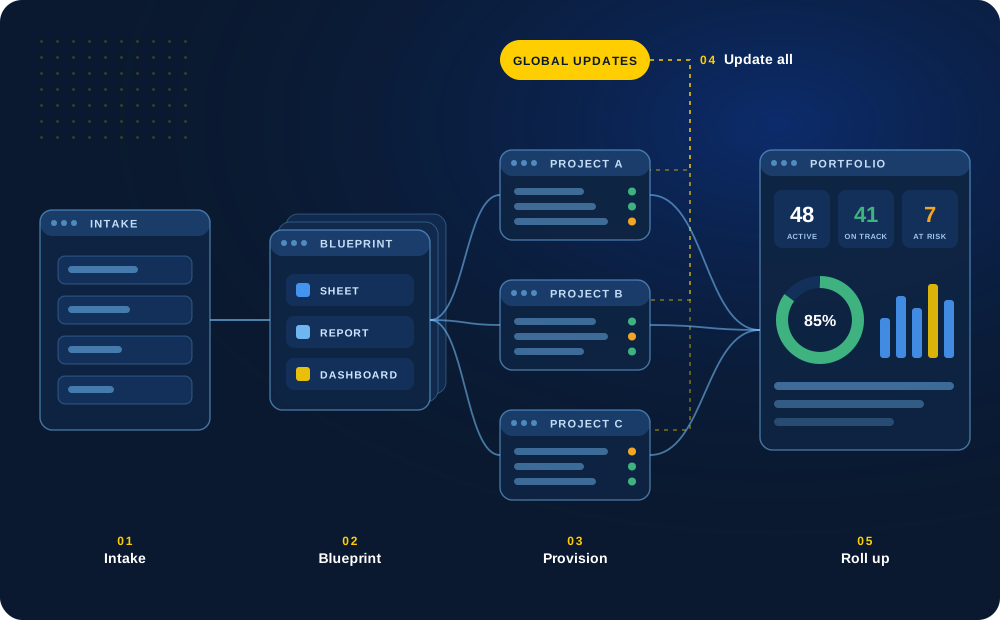
Control Center handles every stage of a project in Smartsheet. Here is what each piece does and how we set it up.
01
Intake
Every request starts the same way
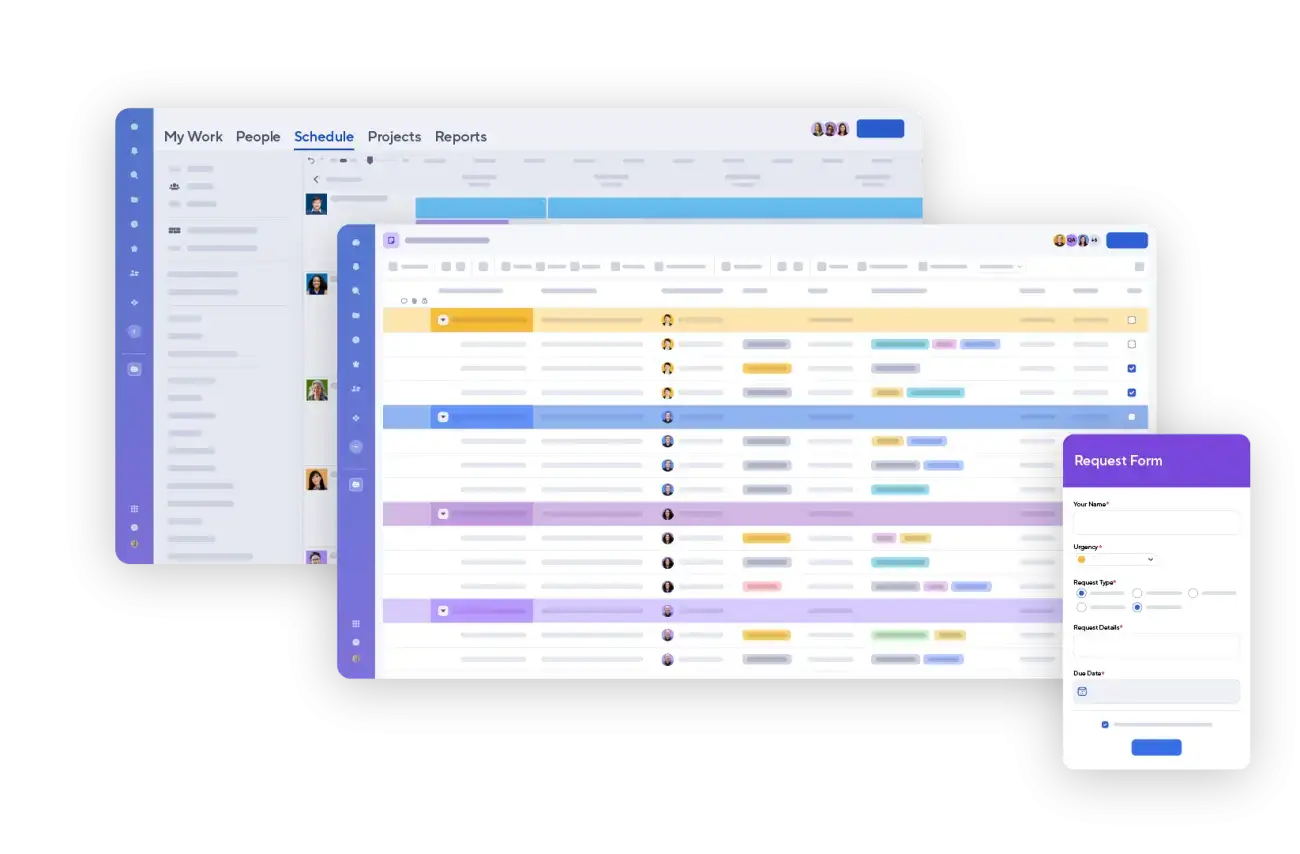
Project requests come in through one form with the same required details, so leaders can compare, prioritize and approve before anything is built.
Approved requests go straight to project setup with no retyping.
Request form
Approval
Prioritization
One queue
02
Blueprints
Launch from a standard, not a copy
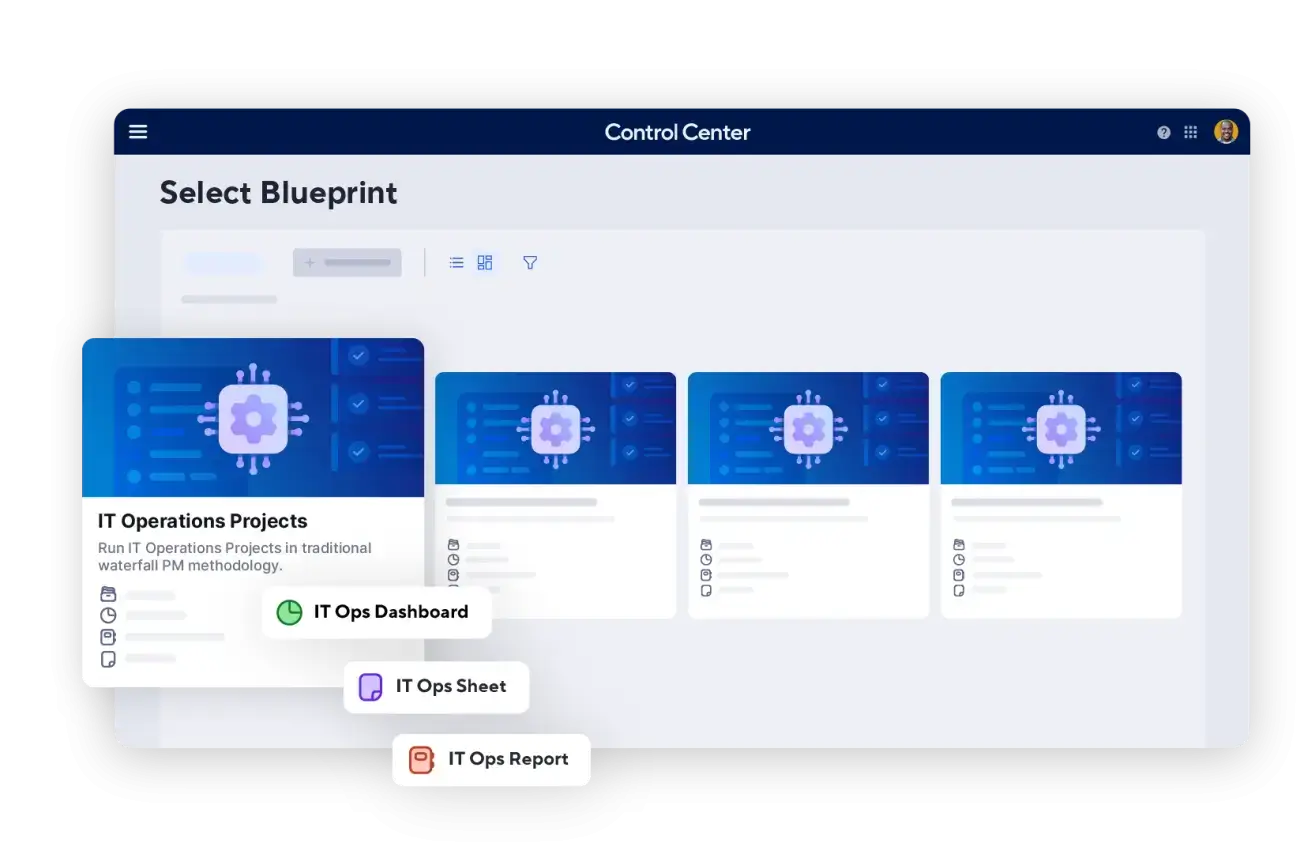
A blueprint defines the sheets, reports, dashboards and fields each project type gets. Teams stop copying old projects and cleaning them up.
We design blueprints around the questions your portfolio leaders ask.
Project types
Shared fields
Template sets
Variations
03
Provisioning
New projects in minutes, set up correctly
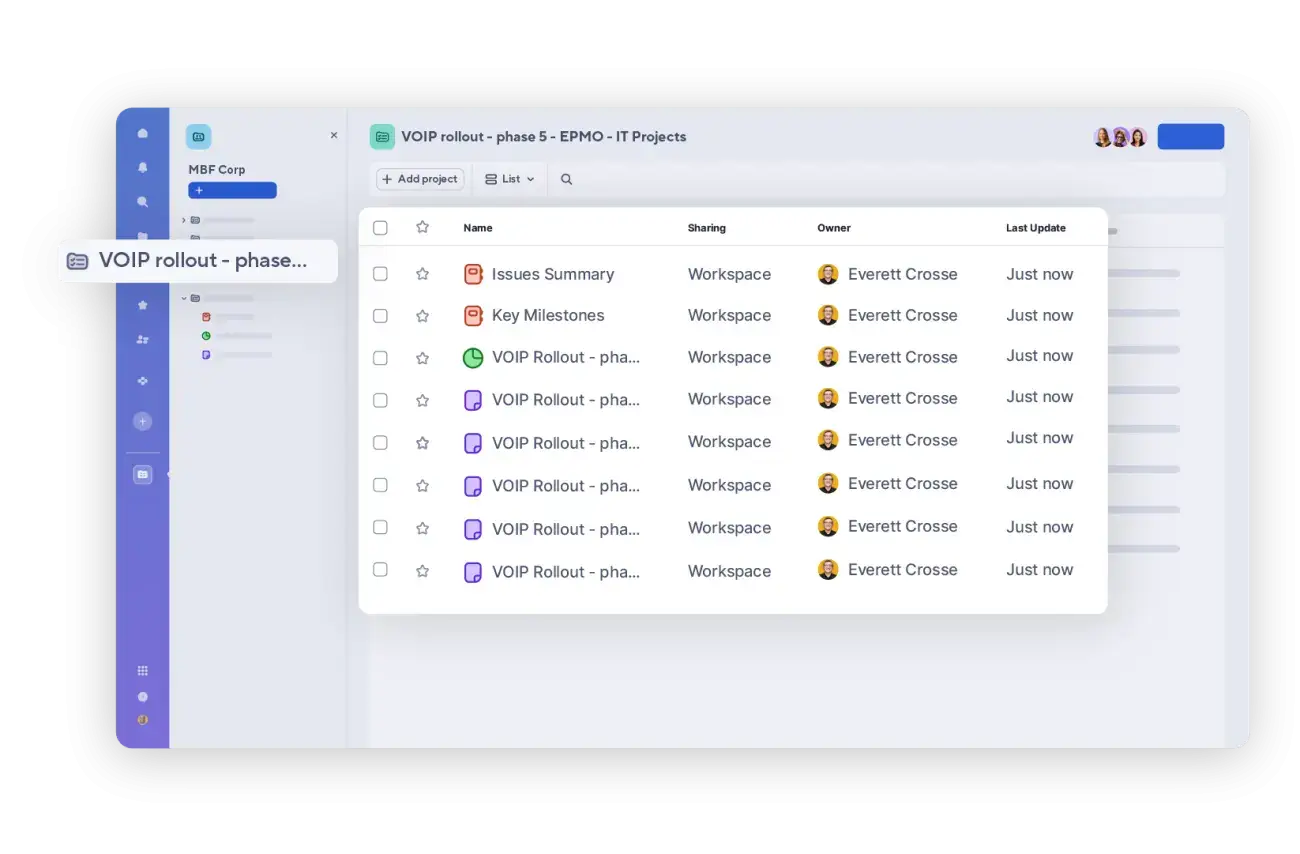
Control Center builds a complete project from the blueprint in a few clicks, with naming, sharing and roll-up links already in place.
Rackspace reported setup dropping from 8–10 hours to about 30 minutes.
Naming
Sharing
Linked reports
Minutes
04
Global Updates
Change every project at once
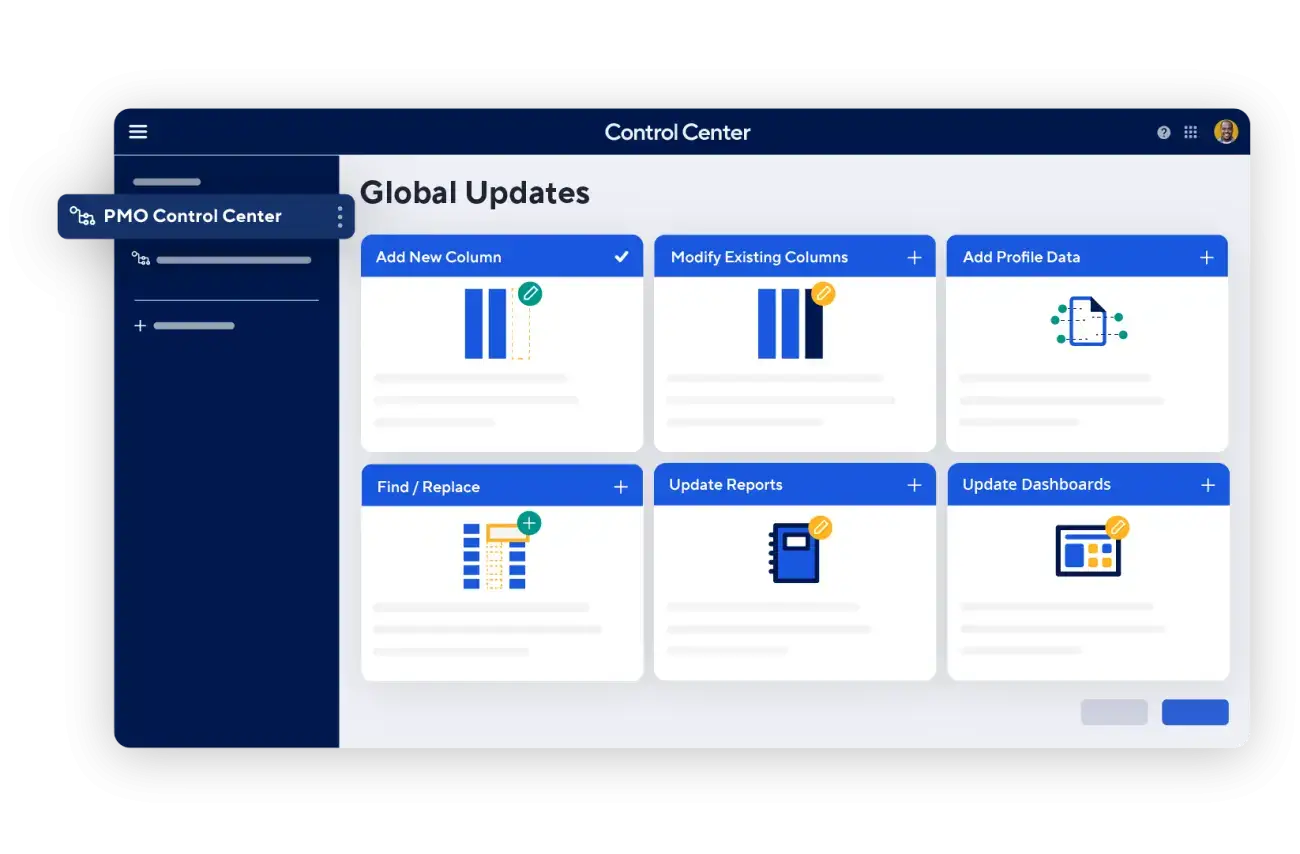
When the process changes, Global Updates push new columns, formulas, reports or dashboards to existing projects from one console.
We set the rules for who can change a blueprint and how changes are tested.
Add columns
Update formulas
Push reports
Governed
05
Resources
See capacity before you commit
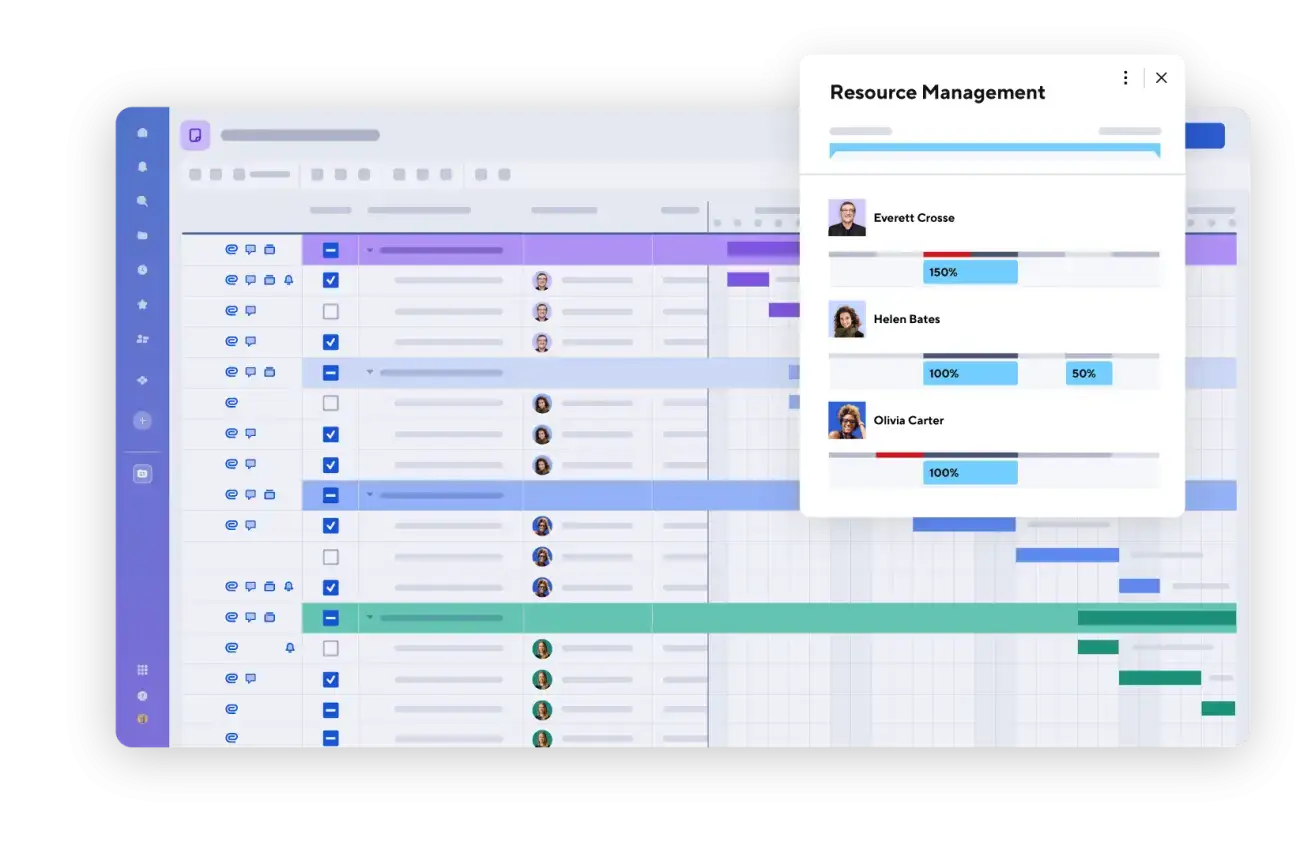
Connect resource plans to projects to staff the work, see allocation across the portfolio and forecast hiring needs.
We help you decide how much resource planning your team really needs.
Allocation
Capacity
Forecasting
Staffing
06
Reporting & Archiving
One view of the whole portfolio
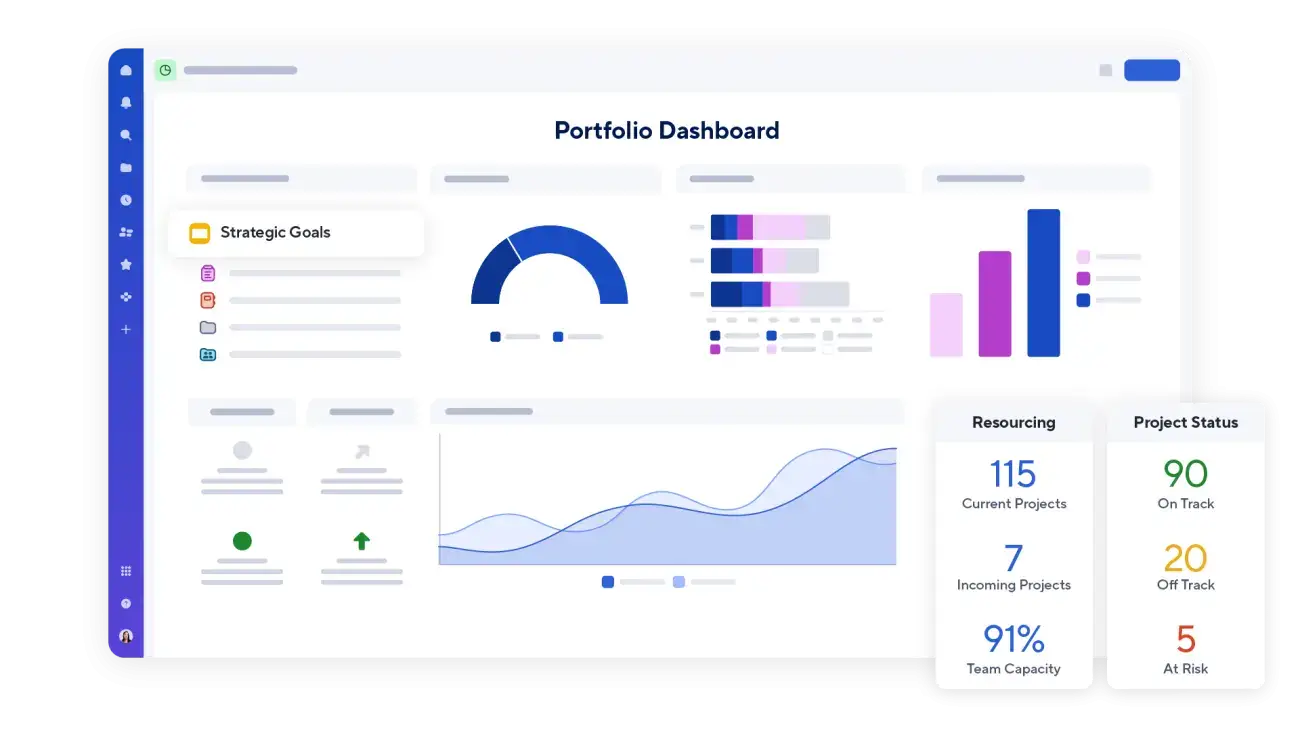
Because every project shares the same structure, status, risk, budget and milestone data rolls up into portfolio dashboards automatically.
Finished projects are archived from the console, keeping history for trend and compliance reporting.
Status
Risk
Budget
Archive
Published Results
What this looks like at large companies.
Figures come from customer stories published by Smartsheet. They are not TCC client results.
Want to see it with your own projects?
Tell us how many projects you run and what leadership needs to see. We’ll show you what Control Center would look like for your team.
Customer Stories
How organizations run repeatable work at scale.
Real examples from Smartsheet customers, from IT and construction to Formula 1. Five use Control Center; McLaren uses the core Smartsheet platform. Each card links to the full story.
Design Before You Scale
The blueprint and data structure decide what you can see later.
Once dozens of projects are running from a blueprint, changing its structure becomes much harder. That is why we design the blueprint and the data structure first.
We work through the questions a portfolio leader will ask, then make sure every project captures the information needed to answer them.
Define which fields every project must share, such as status, owner, dates and budget.
Decide what can vary by project type and what must stay standard.
Plan the roll-up reporting and dashboards before the first project is created.
Pilot the blueprint with real projects and refine it before a wider rollout.
Set a process for updating the blueprint as needs change.
How We Work
A clear, collaborative process.
01
Assess
Understand your project types, reporting needs and whether Control Center is the right fit.
02
Design the Blueprint
Build the standard structure, fields and portfolio reporting.
03
Pilot
Launch a small set of projects, gather feedback and refine.
04
Scale & Support
Roll out to more projects with training and clear rules in place.
Related Services
Services that work well together.
Implementation & Solution Design
Design and build Smartsheet solutions tailored to your processes, people and goals.
Optimization & Health Checks
Clean up, streamline and improve your existing Smartsheet environment.
Training & Enablement
Help your team work with confidence through practical, role-based training.
Next Step
Talk through your portfolio.
Tell us how many projects you run and what leadership needs to see. We’ll help you decide what structure fits.