
Who We Help · Finance & Accounting
See your numbers live, without spreadsheet chaos.
Budgets, approvals, close checklists and accounting data in Smartsheet, so finance stops chasing numbers and spends more time on decisions.
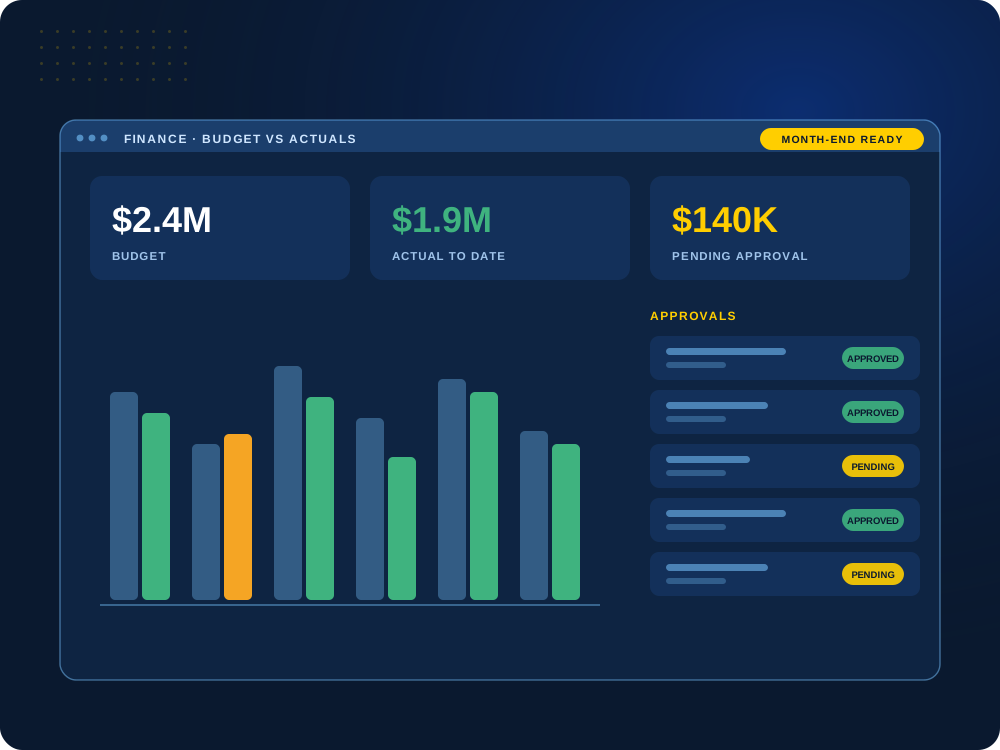

Still building reports from exports?
We’ll show you how to connect your financial data so reports stay current on their own.
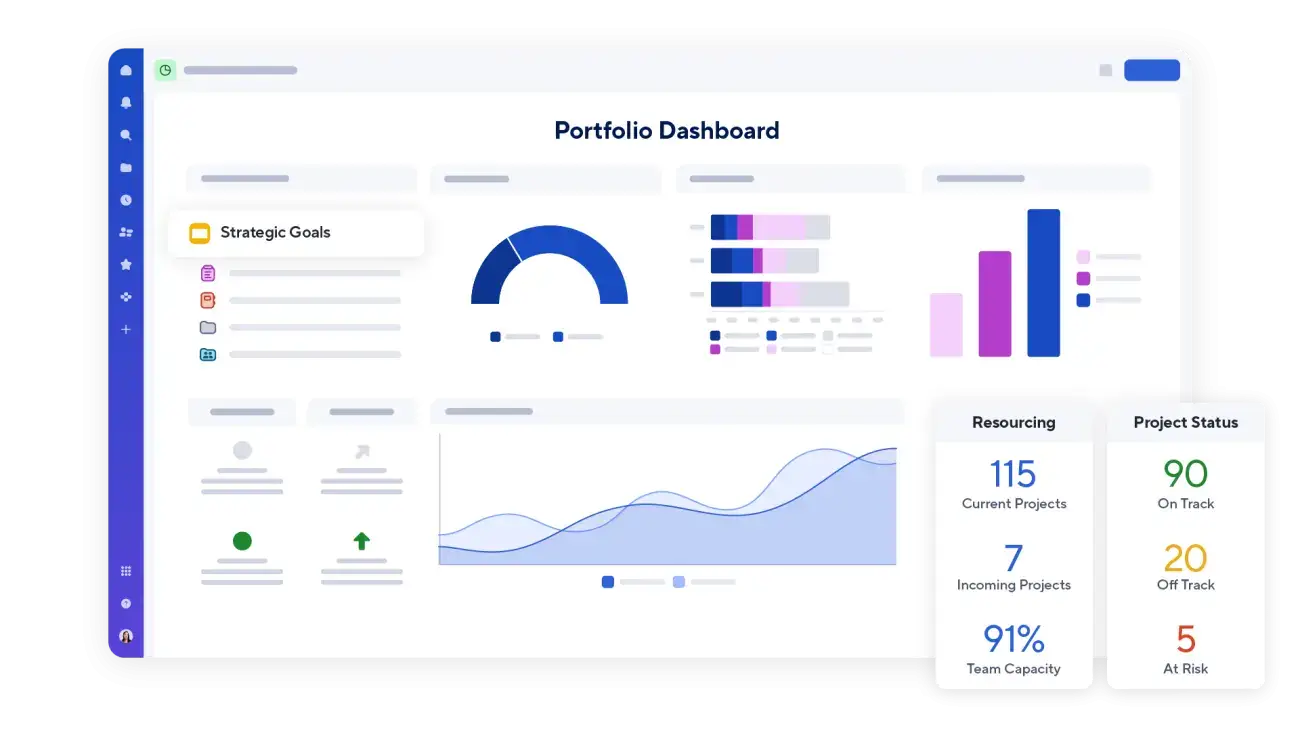
The Problem We Solve
Finance shouldn’t live in a dozen disconnected spreadsheets.
Budgets in one file, approvals in email and actuals exported from the accounting system mean late reports, version confusion and numbers nobody fully trusts.
We build one finance workspace with approvals, tracking and dashboards, and connect it to the systems you already use.
What We Build for Finance
Tools finance teams actually use.
Designed for accuracy, control and fewer manual steps.
01
Budget Tracking
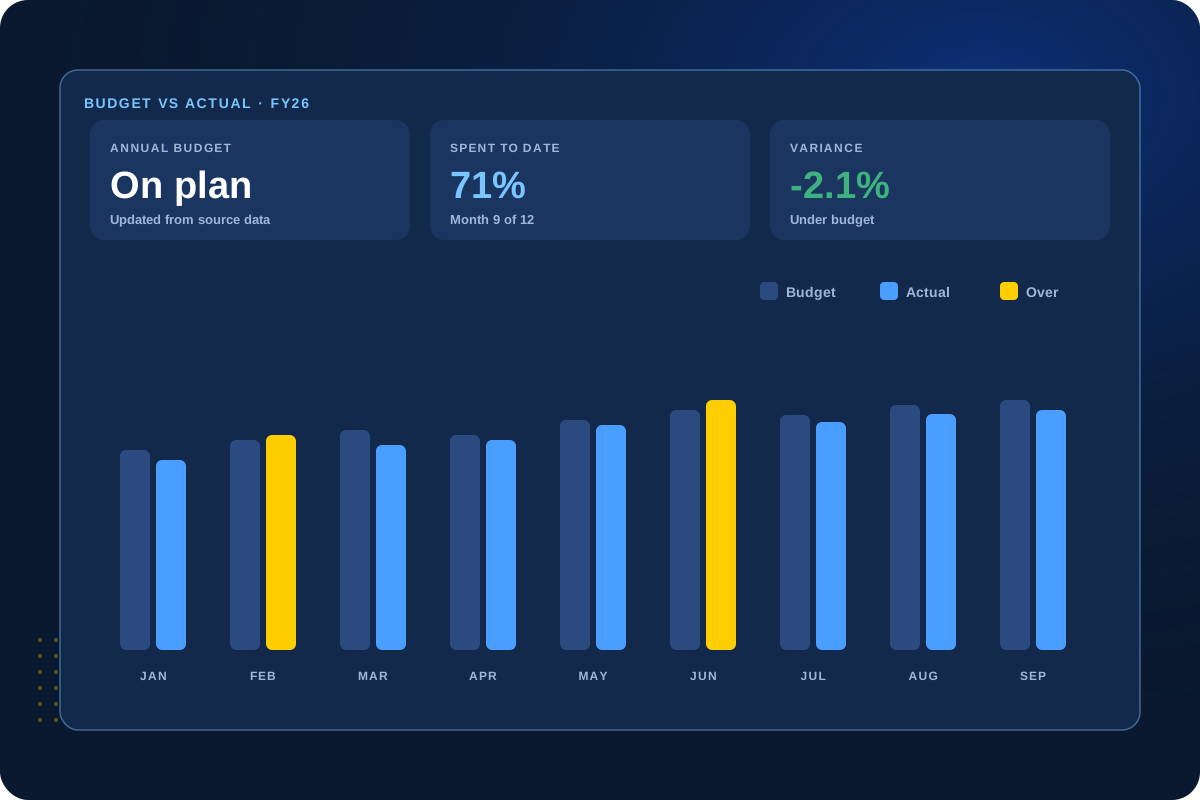
Budget versus actuals, always up to date
Track budgets by department, project or cost center against actual spend, with dashboards that show over- and under-spending as it happens.
Leaders see where money is going without waiting for month-end.
Budgets
Actuals
Variance
Forecasts
02
Approvals & Spend Requests
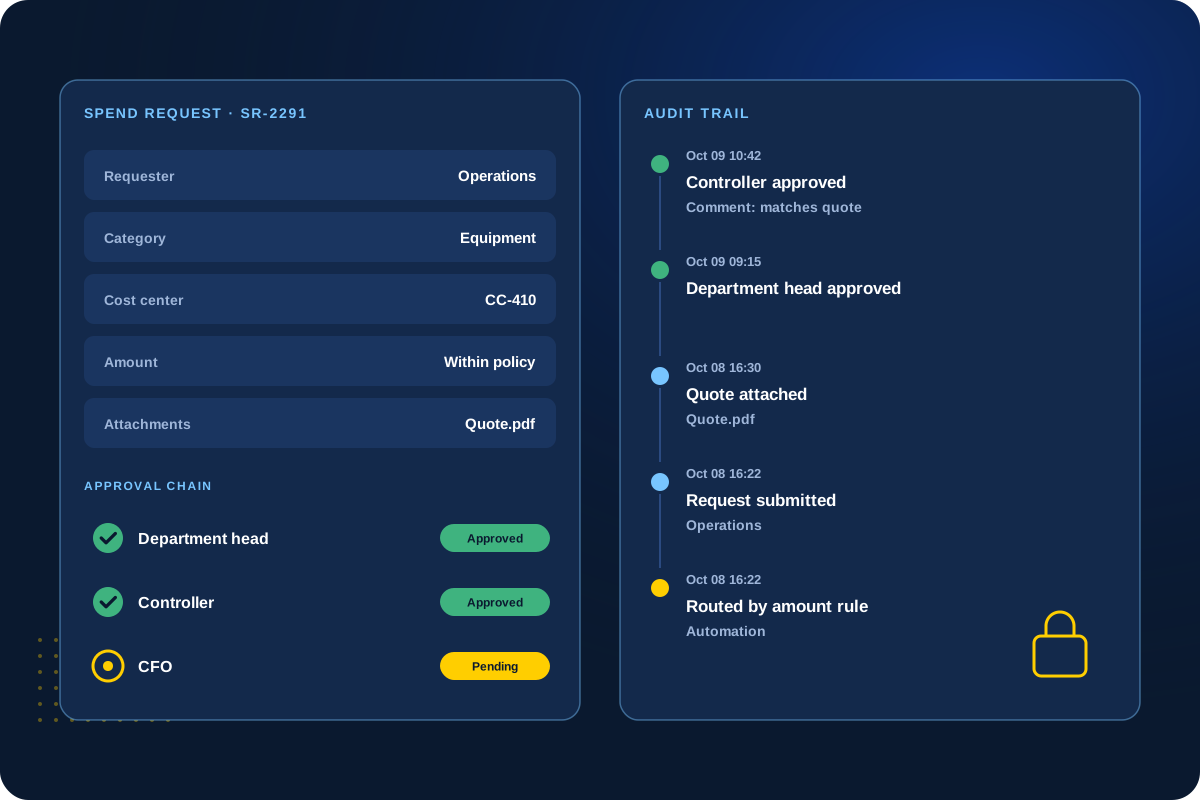
Approvals with a clear audit trail
Purchase and spend requests flow through the right approvers automatically, with every decision recorded.
No more approvals buried in email threads.
Requests
Approvers
Audit trail
Automated
03
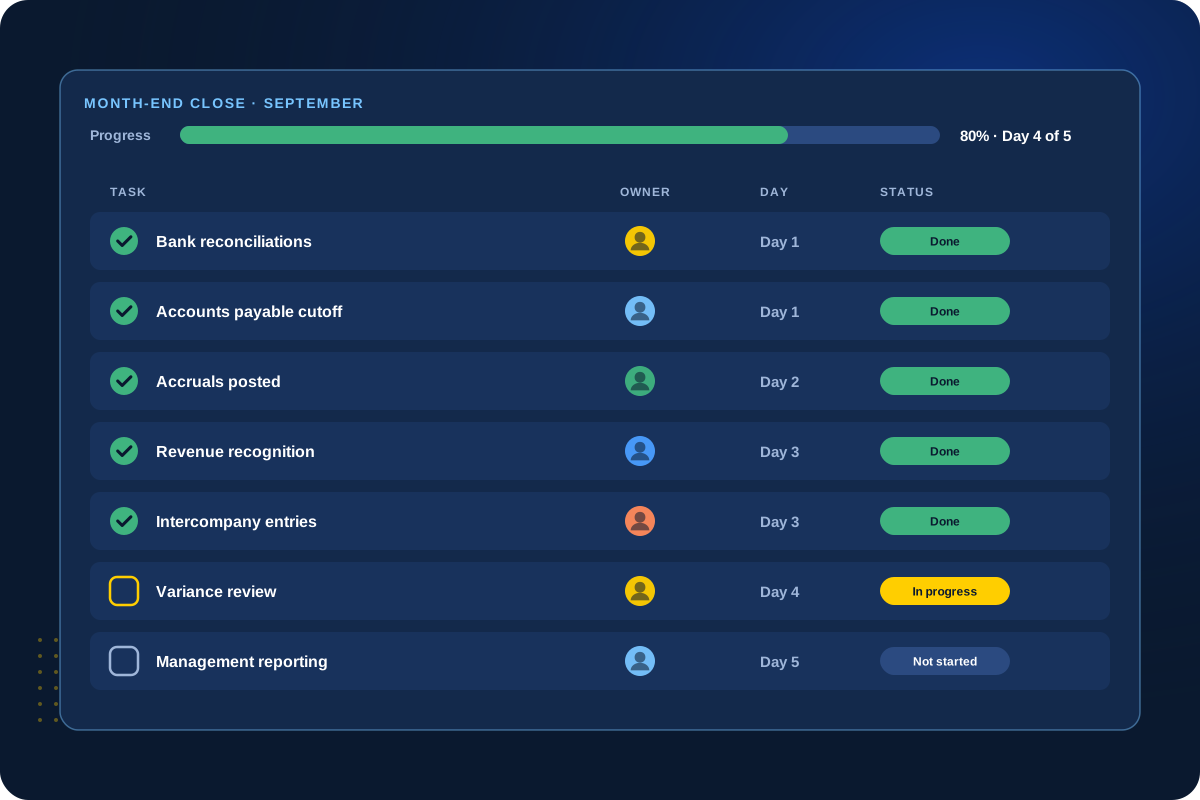
Month-End Close
Close the books on a repeatable checklist
A standard close checklist with owners, due dates and automated reminders keeps every step visible and on schedule.
Managers see exactly what is done and what is holding things up.
Checklists
Owners
Deadlines
Reminders
04
ERP & Accounting Integrations
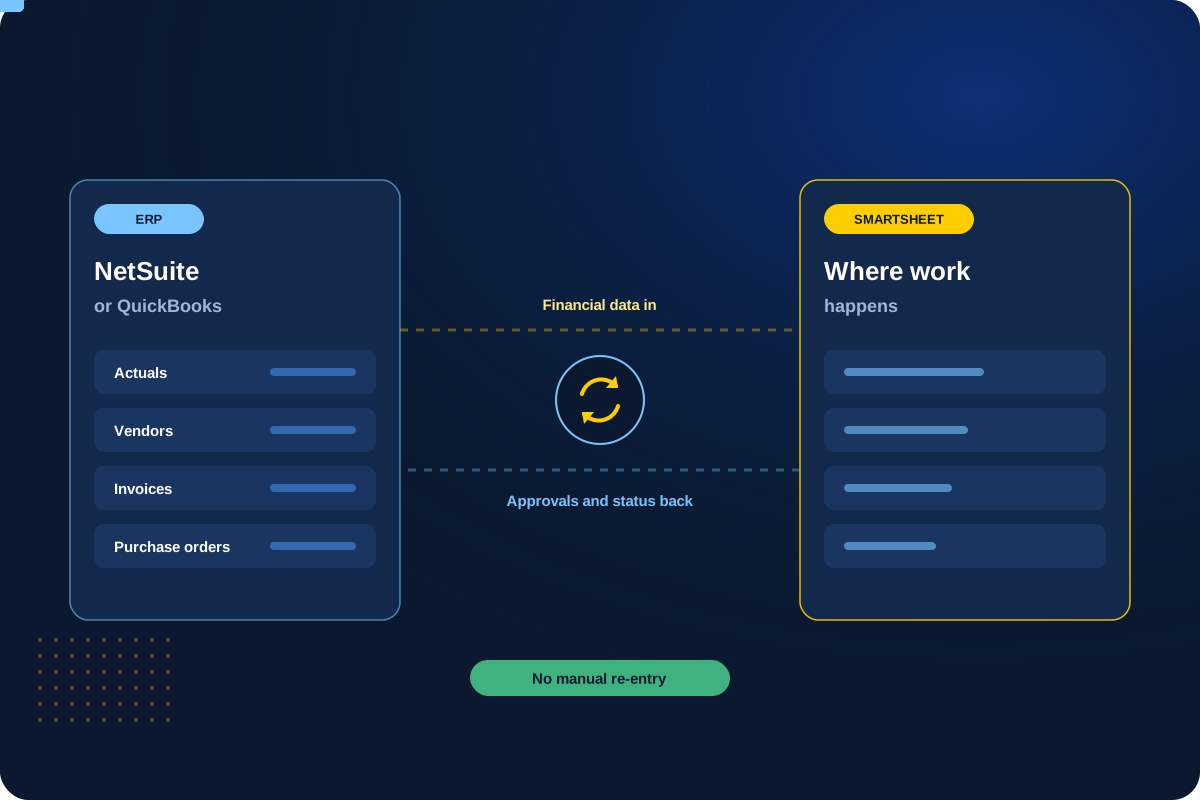
Your NetSuite or QuickBooks data, where work happens
We connect Smartsheet to NetSuite with our own integration, and to QuickBooks through trusted partners, so financial data flows without CSV exports.
Update many records at once, sync saved searches and keep dashboards current from one set of numbers.
NetSuite
QuickBooks
No CSVs
Live sync
Running NetSuite or QuickBooks?
See how we connect your accounting system to Smartsheet.
Client Perspective
What our clients say.
Real feedback from teams we have worked with.

Cat Gilbertson

Kristopher Le, PharmD.

Danielle Benford
How We Work
A clear, collaborative process.
01
Discover
Understand the current workflow, the people involved and the goals for the solution.
02
Design
Plan how the sheets, data and screens will work before the build.
03
Build & Test
Build the solution and test it against real scenarios with your team.
04
Launch & Hand Off
Go live with documentation, training and a clear plan for support.
Next Step
Let’s make finance easier to run.
Tell us where your numbers come from today. We’ll help you build a workspace you can trust.