
Who We Help · Operations
Stop running operations out of email and spreadsheets.
Requests, approvals and status updates all live in Smartsheet, so your team stops chasing people for answers.
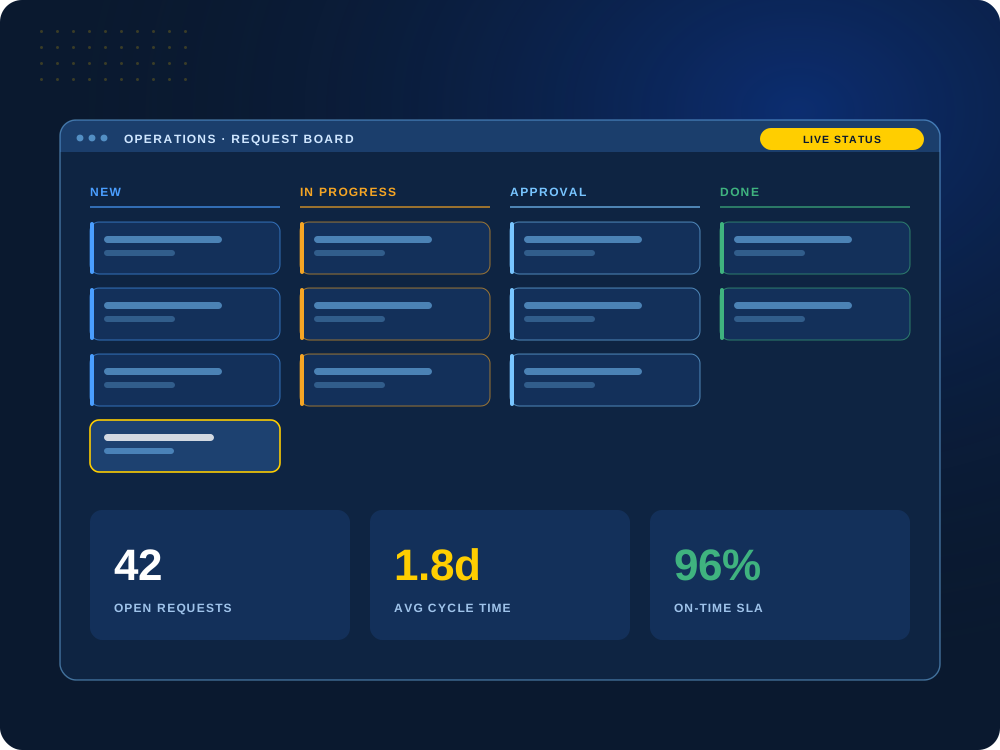

Too many spreadsheets and status emails?
We’ll map how work really flows today and show you how it could work in one place.
Sound Familiar?
Five problems we hear from operations teams.
Most teams we talk to have at least two of these. Click a card to see what it looks like day to day and how we fix it in Smartsheet.
“We don’t know what’s going on.”
Leadership can’t see what is happening without asking five different people for an update.
How we fix it: A dashboard that always shows where every job stands, so nobody has to ask.
“We spend more time managing work than doing it.”
Too many spreadsheets, emails, duplicate updates and manual steps.
How we fix it: We replace your scattered spreadsheets with one sheet everyone uses, and Smartsheet sends the reminders and approvals for you.
“Nobody knows who owns what.”
Unclear responsibilities, missed handoffs and tasks that disappear between departments.
How we fix it: Every task has a name on it, a status and a due date. When one team finishes, the next team is notified automatically.
“Everything is an emergency.”
Without defined processes or early warning signs, the team spends the day reacting.
How we fix it: We map the process, build standard workflows and set up alerts for work that is late, at risk or stuck.
“We can’t improve what we can’t measure.”
Nobody knows how long work takes, where delays happen or what the inefficiencies cost.
How we fix it: We track how long work takes, how much is waiting and what is late, so you can see where things slow down.
Is it worth building?
Almost anything can be built in Smartsheet. We help you decide what is worth the effort.
See how we decide ↓What We Build for Operations
Solutions your operations team will use every day.
Each one is designed around your process, not a generic template.
01
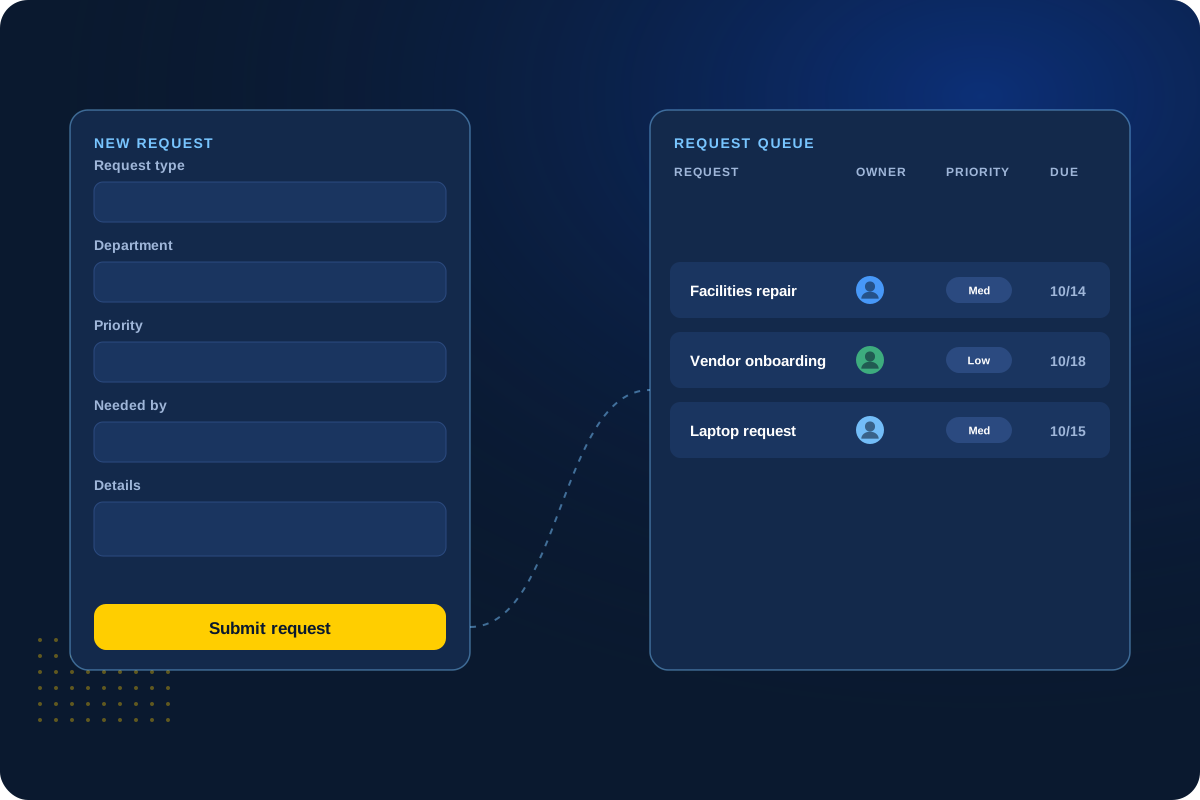
Request Intake
All requests in one place
Instead of requests coming in by email, chat and hallway asks, everyone uses one simple form. Each request goes to the right person with a priority and due date.
Everyone can see what came in, who has it and where it stands.
Forms
Assigned
Priorities
Deadlines
02
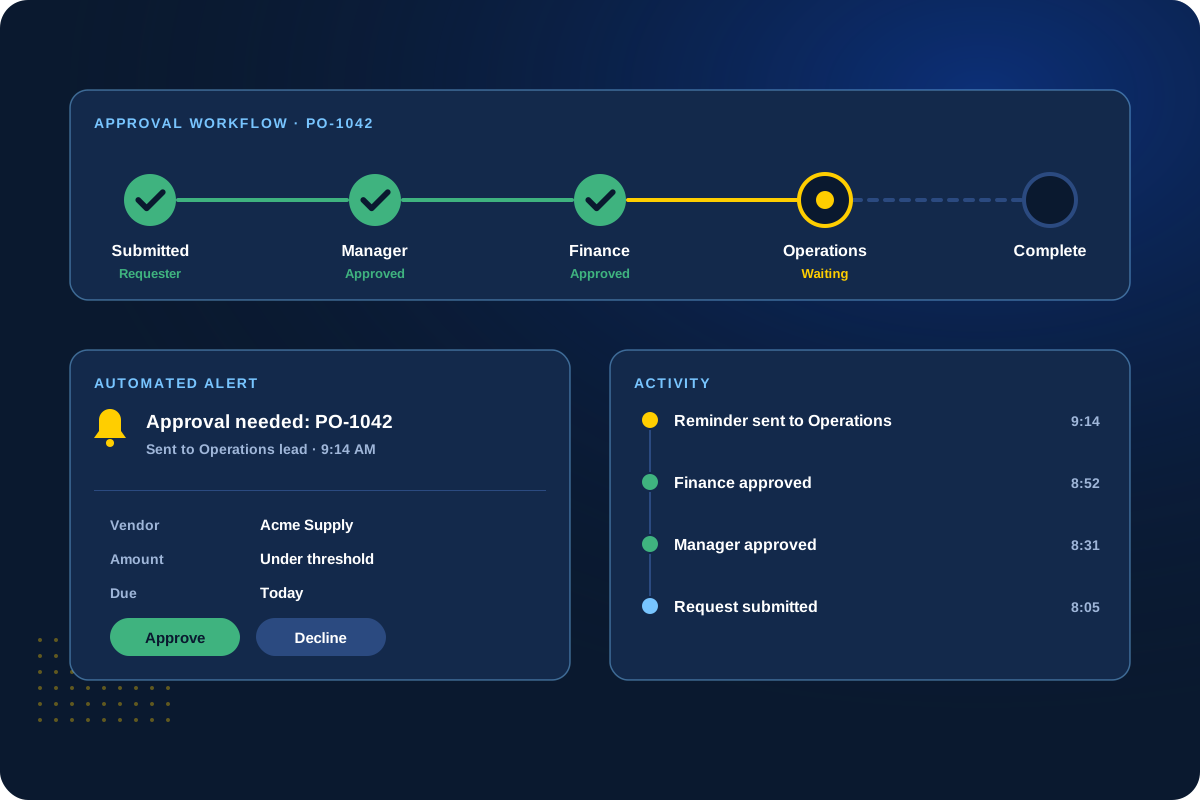
Workflow Automation
Approvals and reminders that happen automatically
Automated approvals, reminders and status changes keep work moving between teams without someone chasing each step.
We set up the rules with your team and write down how they work. Need it to talk to other systems? See our integrations work.
Approvals
Reminders
Handoffs
Automatic
03
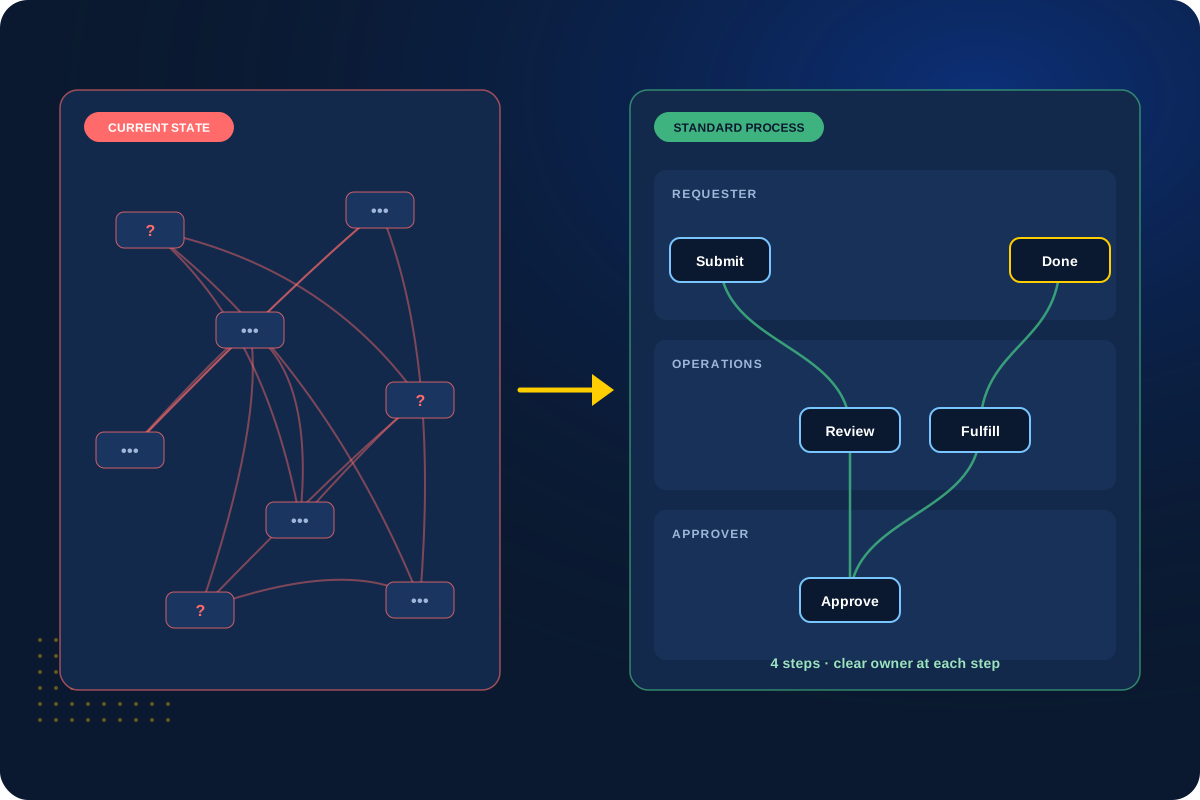
Process Improvement
The same steps, every time
We find where work gets stuck or done twice, then set up a template so every job follows the same steps.
Your team gets a repeatable process instead of reinventing it each time.
Process mapping
Templates
Standards
Consistent
04
Operational Dashboards
See what’s open, what’s late and who’s overloaded
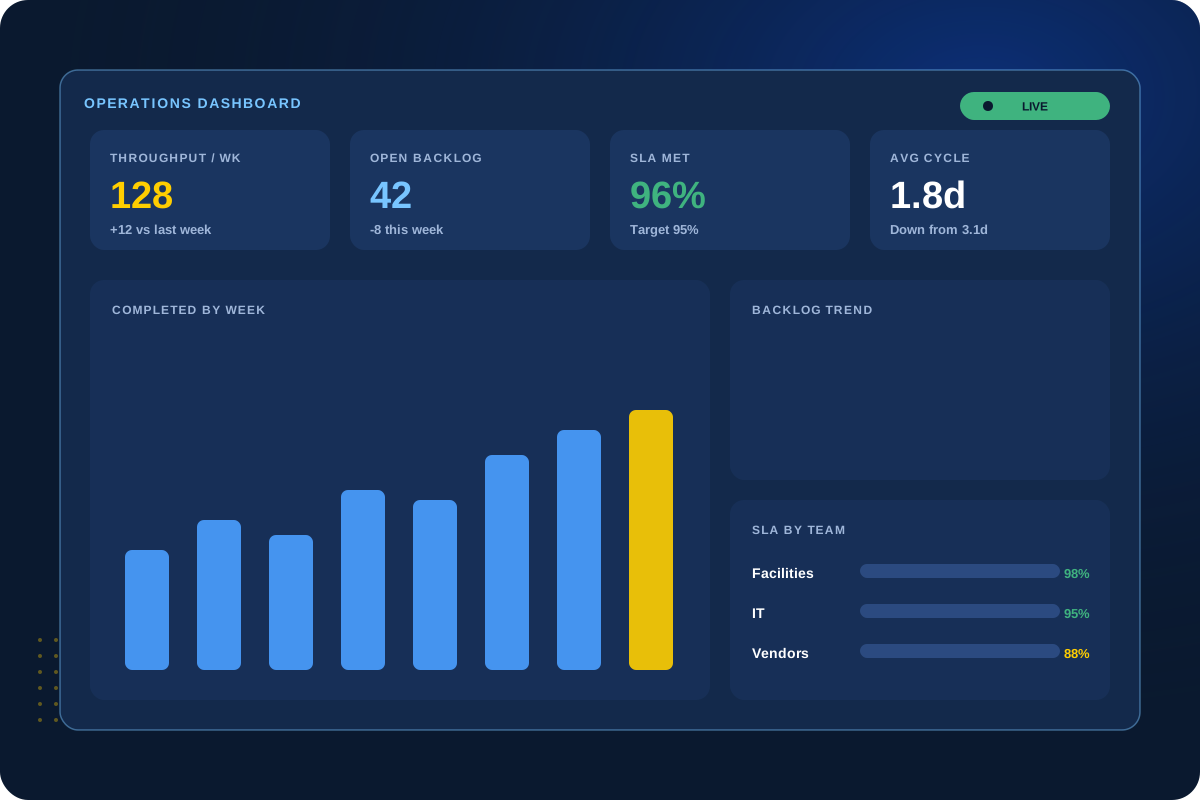
Live dashboards show what is open, what is late and where capacity is tight, so leaders can act before problems grow.
No more building status reports by hand. Running many teams or projects? Control Center can combine them into one view.
Backlog
Cycle time
Deadlines
Real-time
Is It Worth It?
Almost anything can be built in Smartsheet. The real question is whether it’s worth it.
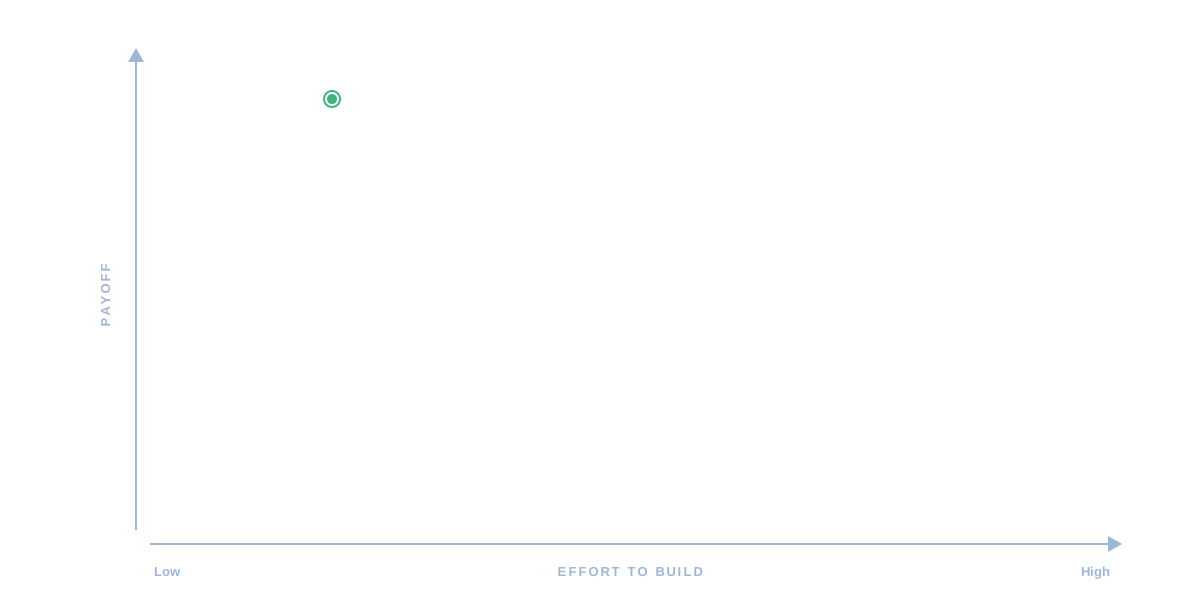
Before anything gets built, we rate each idea by the effort it takes and what it gives back. You get a straight answer, including when something isn’t worth building.

How we start
1. Map the work
A working session with the people who do the work. We document how requests, handoffs and approvals flow today.
2. Rate each idea
Each improvement gets an effort and payoff rating, so you can see what is quick, what is a project and what to skip.
3. Build the quick wins
The high-payoff, low-effort pieces go first, so your team sees results early and we learn how they really use it.
4. Decide on the rest
Bigger builds move ahead only when the payoff is clear. You see what it will take and approve it before we build anything.
Nothing gets built just because it can be. If something is better left as it is, we will tell you.
Not sure where to start?
A health check shows what is working in your current setup and what to fix first.
Client Perspective
What our clients say.
Real feedback from teams we have worked with.

Cat Gilbertson

Kristopher Le, PharmD.

Danielle Benford
How We Work
How we work with operations teams.
01
Discover
A working session with your team leads to map how requests, handoffs and approvals really flow.
02
Plan
Decide what’s worth doing first, then plan how it will work for your team.
03
Build & Test
Build the quick wins first and test them with the people who will use them every day.
04
Launch & Hand Off
Go live with documentation and training, then decide what to improve next based on how your team actually uses it.
Next Step
Let’s make your operations easier to run.
Tell us where work gets stuck today. We’ll help you design a system that keeps it moving.